

iPhone app
The QR code app that tracks every scan
Create dynamic QR codes on your iPhone, change the link after you print, see every scan as it happens, and scan any QR code safely. Free on the App Store.


Scan with your iPhone camera to download.
Features
A QR code generator and scanner in one app
Everything you do at qrelix.com, plus the things only a phone can do.
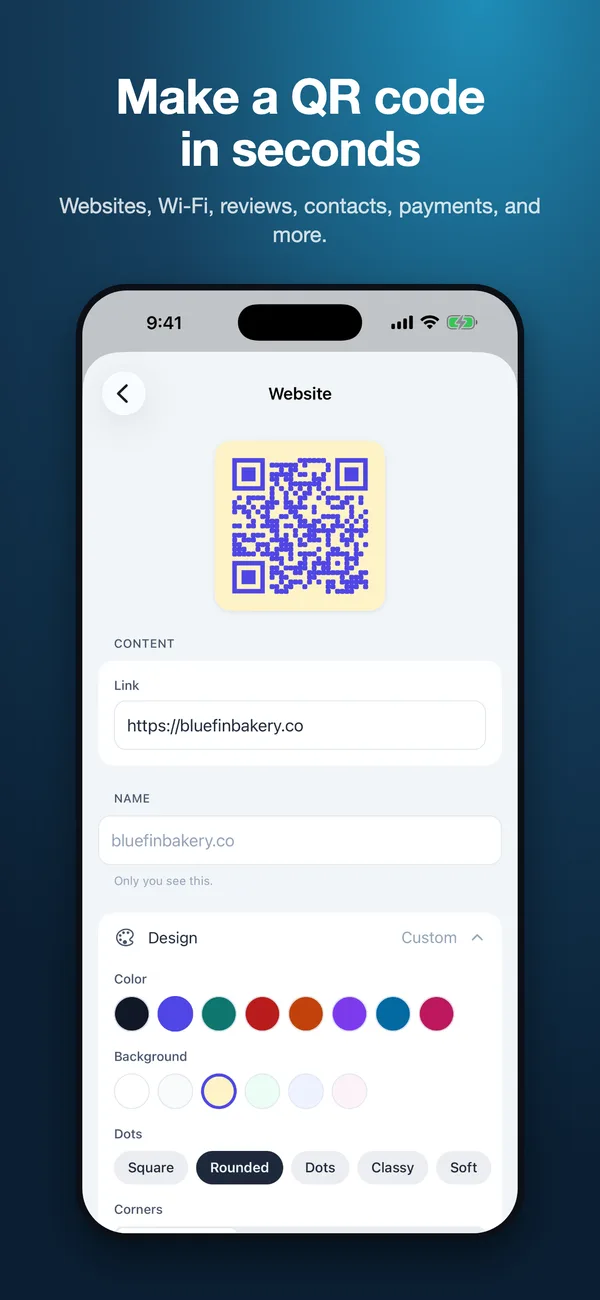
Make a QR code in seconds
Links, Wi-Fi, business cards, calls, texts, email, maps, app downloads, reviews, 14 social networks, and 3 payment apps. Or share a link from any app to turn it into a QR code.
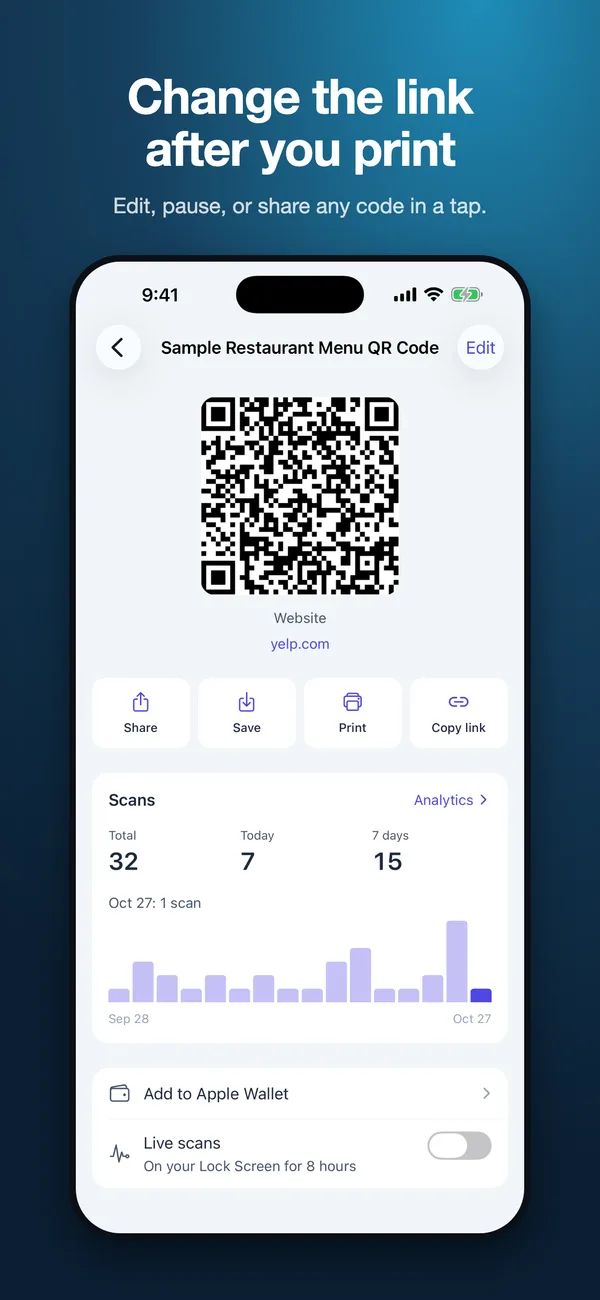
Change the link after you print
Every dynamic QR code can point somewhere new at any time. Printed copies update instantly, with no reprinting.
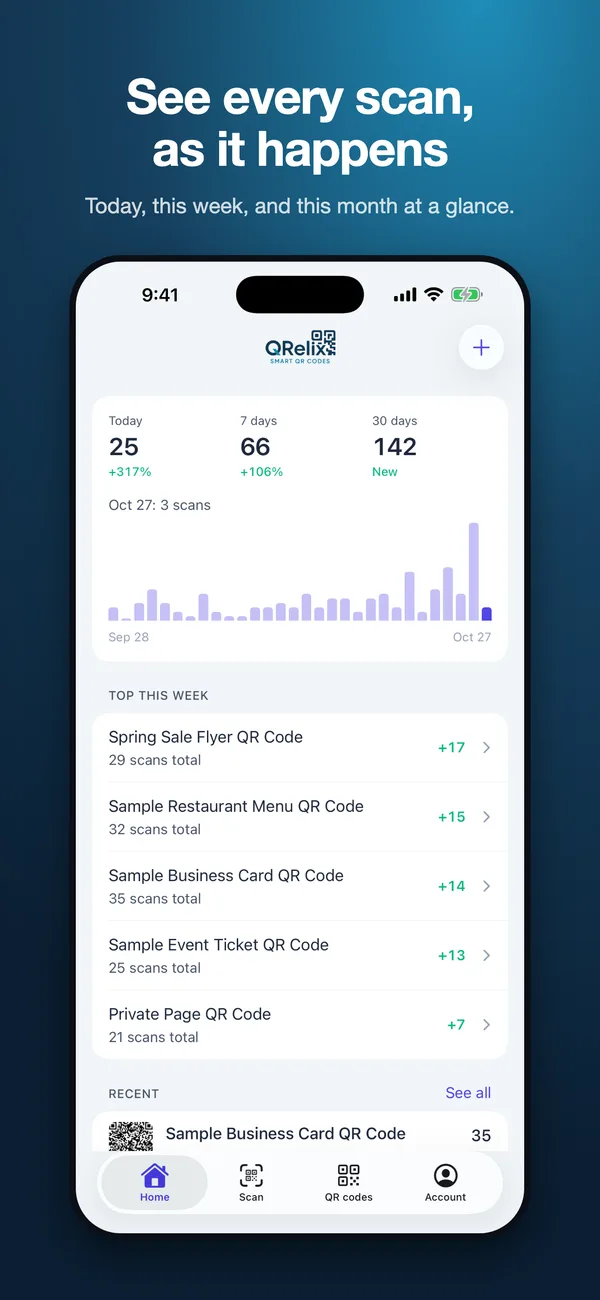
See every scan as it happens
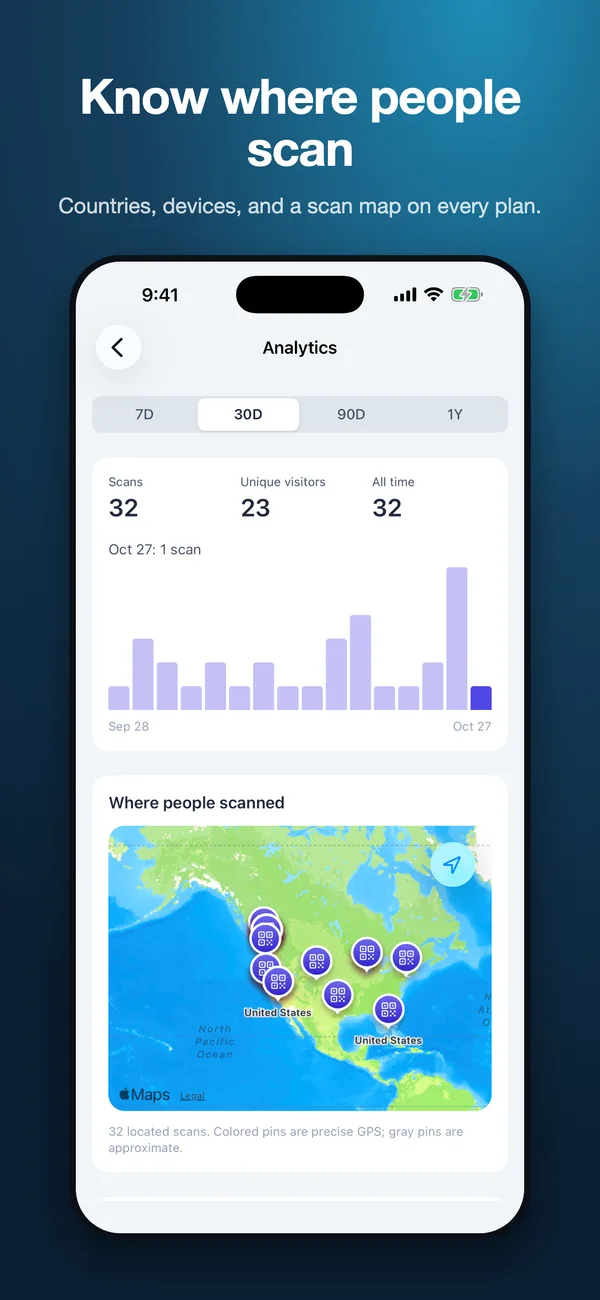
Scans today, this week, and this month, with unique visitors, countries, devices, referrers, and a scan map.
Alerts, widgets, and Live Activities
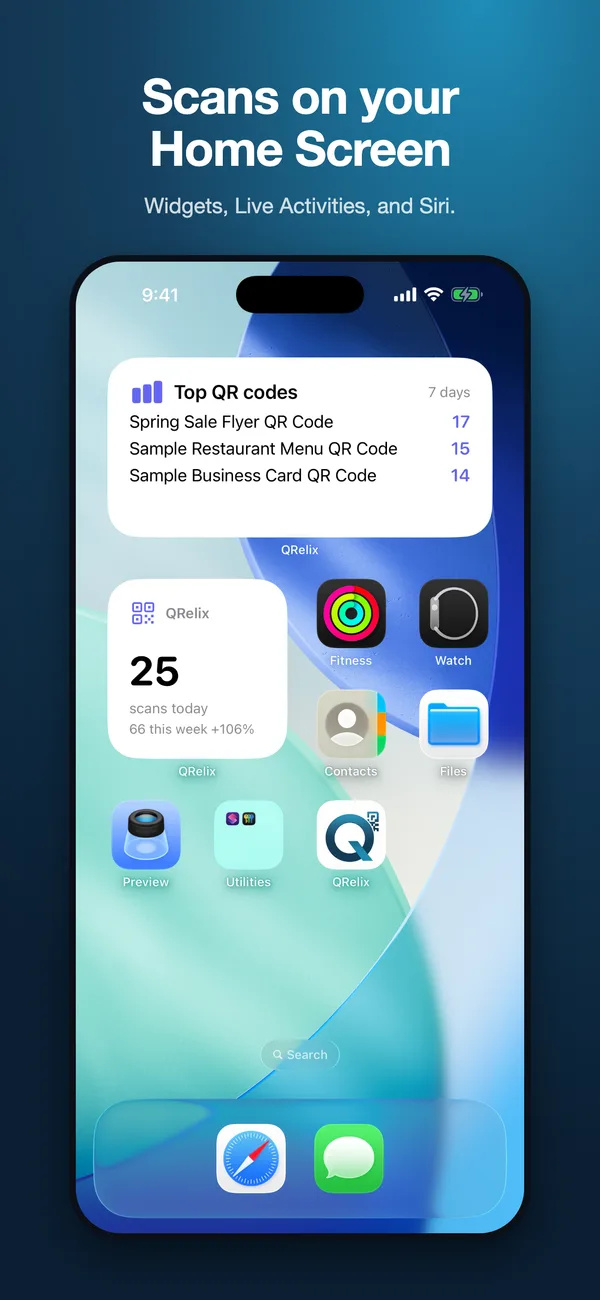
Get a push alert when a code is scanned, follow scans on your Lock Screen, and keep today's numbers on your Home Screen.
Secure QR codes
Add a password, lock a code to a location, set a scan limit or an expiry date, and pause or resume any code.
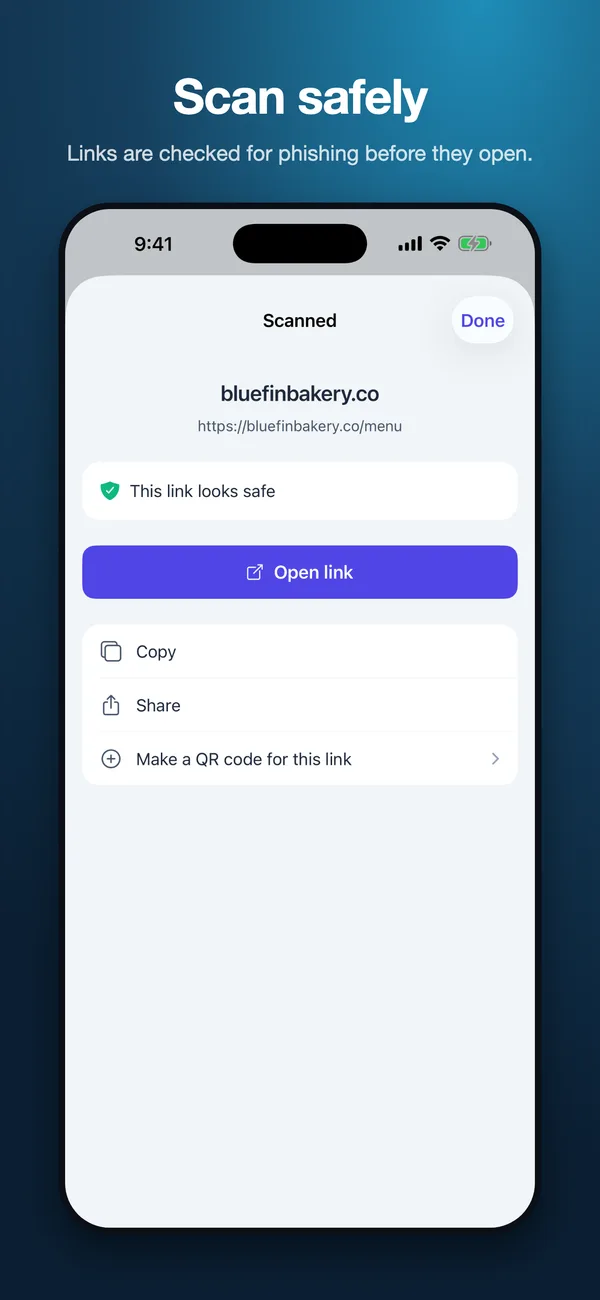
A safe QR code scanner
Scan with the camera or from a photo. QRelix Guard checks links for phishing before anything opens. No account needed, and scan history stays on your phone.
Screenshots
See the QRelix app
Built for iPhone
QR codes that work the way your iPhone does
Widgets, Siri, NFC, AirPrint, and Apple Wallet, all with the same QR codes you manage on the web.
- Home Screen and Lock Screen widgets for today's scans and your top codes
- Siri and Shortcuts: ask how many scans you got today, or make a QR code by voice
- Write a QR code's link to an NFC tag so a tap opens it too
- Design with colors, dot and corner styles, and your logo from Photos
- Save to Photos, share, print with AirPrint, or add a code to Apple Wallet
- One account on your iPhone and at qrelix.com, with teammates and workspaces
Free on the App Store
Download QRelix, sign in with your qrelix.com account or create one, and your QR codes are ready. The scanner works without an account.
Prefer a bigger screen? Create a QR code on the web.
FAQ
QR code app questions
- Is the QRelix QR code app free?
- Yes. The app is free to download and uses the same plans as qrelix.com. The Free plan includes dynamic QR codes, full scan analytics, and the security tools, with 20 scans a month per code. Pro adds unlimited scans and removes QRelix branding.
- Can I edit a QR code after printing it from my iPhone?
- Yes. Open the code in the app and change its destination. Every printed copy of a dynamic QR code sends people to the new link right away, so there is nothing to reprint.
- Does the QR code scanner need an account?
- No. Anyone can use the scanner without signing in. QRelix Guard checks each link for phishing and other threats before it opens, and your scan history stays on your device.
- Do my QR codes sync with the website?
- Yes. Sign in with the same account you use at qrelix.com and you see the same QR codes, analytics, and workspaces in both places. Changes in one show up in the other.
- Is there an Android app?
- Not yet. QRelix is on iPhone today. On Android, use qrelix.com in your browser: it works on any phone and has every feature, including editing codes and scan analytics.
More on every QRelix feature, the free online QR code scanner, and pricing.
Take your QR codes with you
Create, edit, and track QR codes from your iPhone. Free to download.