

QR code menu
A QR code menu you can update in seconds
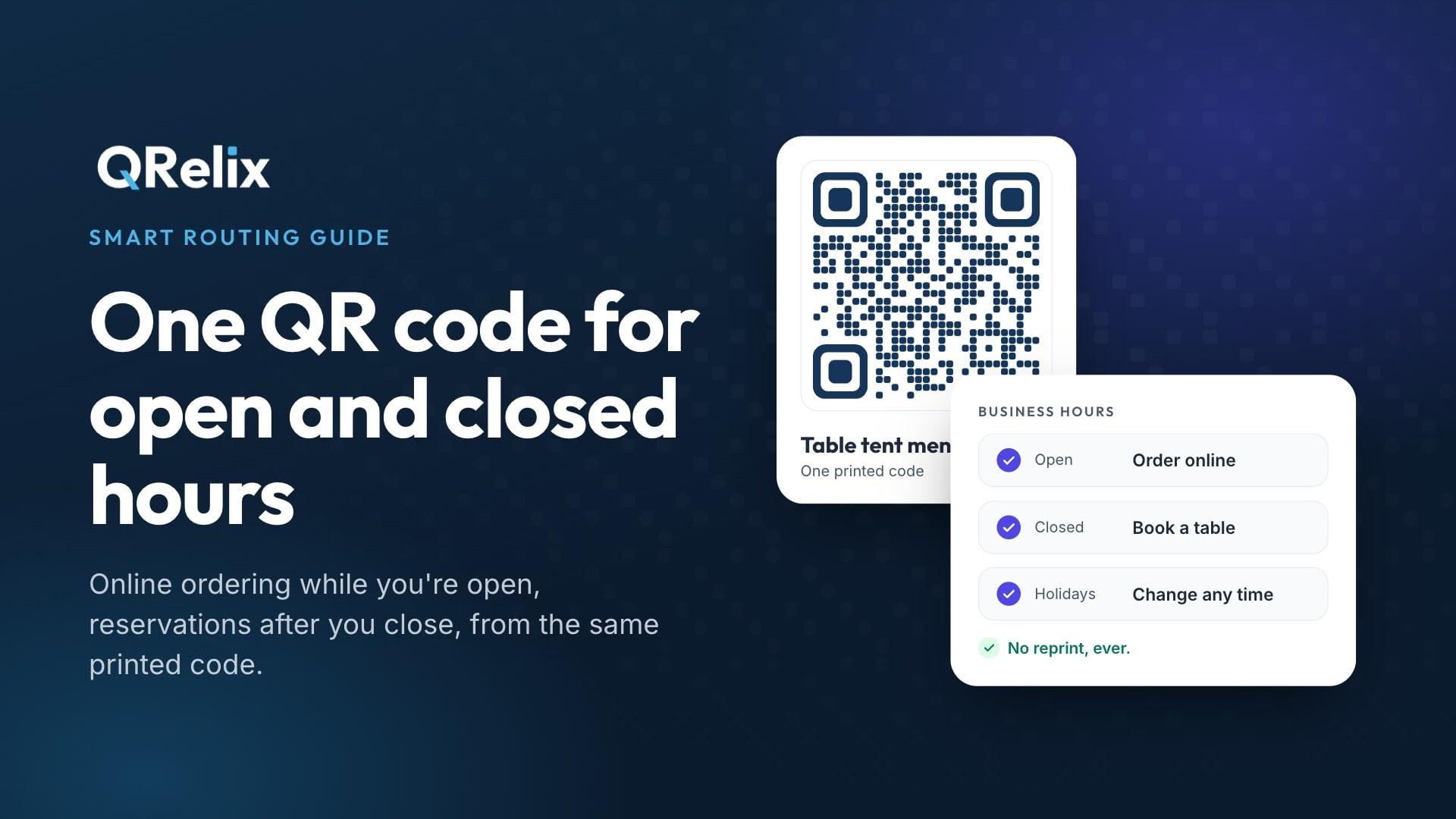
Build a mobile menu with sections, prices, dietary tags, and opening hours. Guests scan, the menu opens instantly, and you change a price or sell out a dish without reprinting a single table card.
Free to start, no credit card. 1 page and scan analytics included.
Why it works
What you get with a QR code menu
No reprints, ever
Change prices, add specials, or mark a dish sold out, and every table card shows it on the next scan.
Built for phones
A fast, readable menu with sections and prices instead of a pinch-to-zoom PDF.
Your brand
Your logo and colors on the menu with a Brand Kit on Pro and Team.
See what guests do
Views by day and hour, and which links people tap, so you know when the menu gets read.
How it works
Create a QR code menu in four steps
Step 1 of 4
Pick Menu under Hosted pages
Open the QR code generator and choose the Menu tile.
Step 2 of 4
Add sections and dishes
Starters, mains, drinks: add items with descriptions, prices, and tags like vegan or spicy.
Step 3 of 4
Style and download
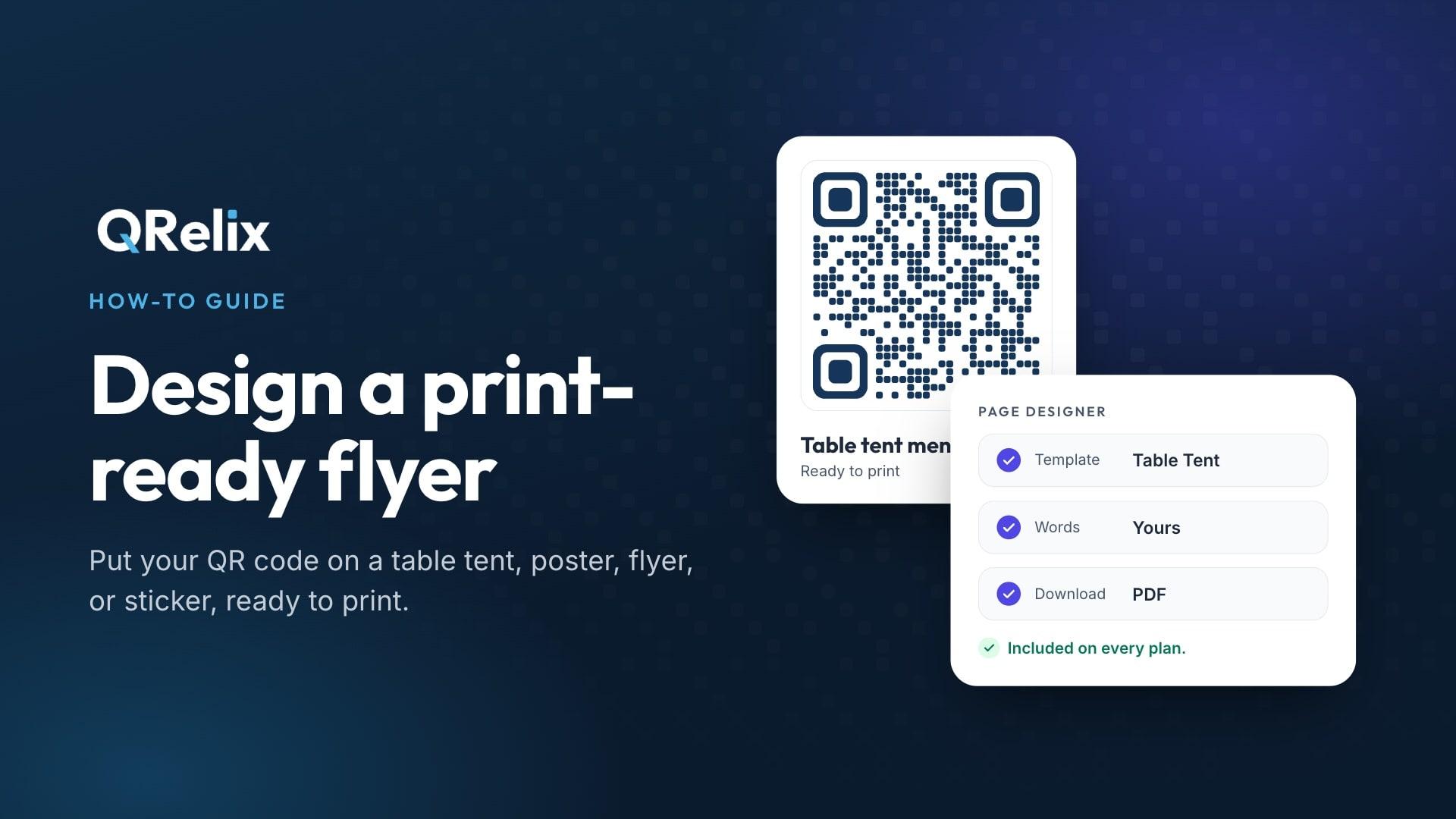
Match the QR code to your brand and download a print-ready SVG for table tents and windows.
Step 4 of 4
Update anytime
Edit the menu in Pages. The printed code keeps working and shows the new menu right away.
Where to use it
Popular places to print it
- Restaurant table tents
- Bar and cocktail lists
- Cafe counters
- Food trucks
- Room service and hotel dining
- Event catering
Video guides
Watch how it works
Questions
Frequently asked questions
- How do I make a QR code menu?
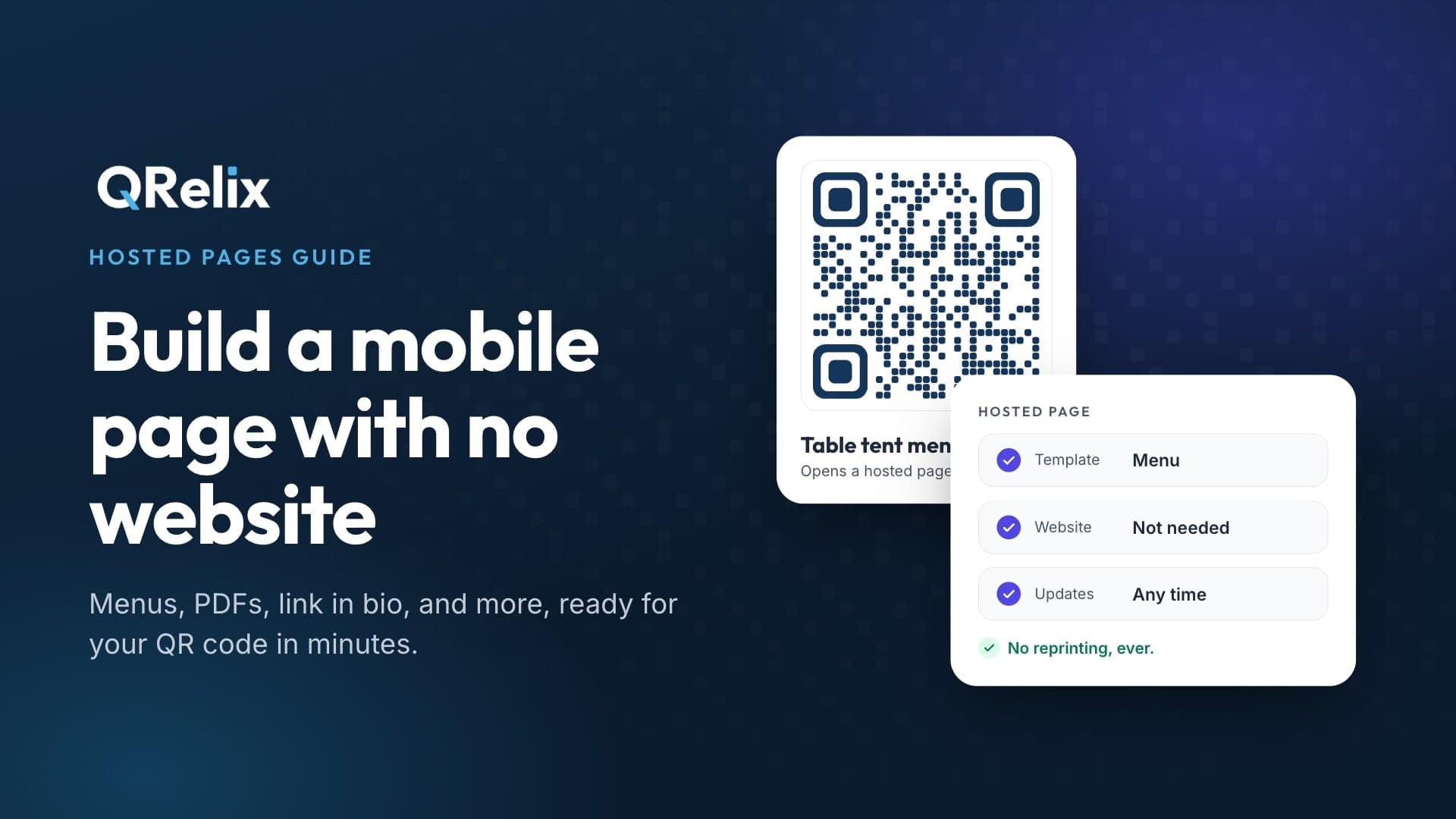
- Pick the Menu tile in the QR code generator, add your sections and dishes with prices, and download the code to print. QRelix hosts the menu page, so you need no website, and the same printed code keeps working when the menu changes.
- How much does a QR code menu cost?
- Nothing to start. The free plan includes 1 hosted page, which can be your menu, with 10 MB of files, scan analytics, and the security suite, and no credit card. Free codes never pause, and every scan shows a brief QRelix screen first. Pro ($7.99 a month) removes the screen and gives you unlimited pages with 1 GB of files.
- Can I upload my existing PDF menu instead?
- Yes. Pick the PDF tile and upload it. A built menu page reads better on phones, but a PDF works when you already have a designed menu.
- How do guests open a QR code menu?
- They point their phone camera at the code and tap the link that appears. The menu opens in the browser, with no app to install and nothing to sign up for.
- Can I change the page after I print the QR code?
- Yes. Edit the page in the Pages tab and save. The printed QR code never changes, and the next scan shows the new version.