How to Change a QR Code Link After Printing (No Reprint)
Point a printed QR code at a new page in seconds, with no reprint and no lost scan history.
About this video guide
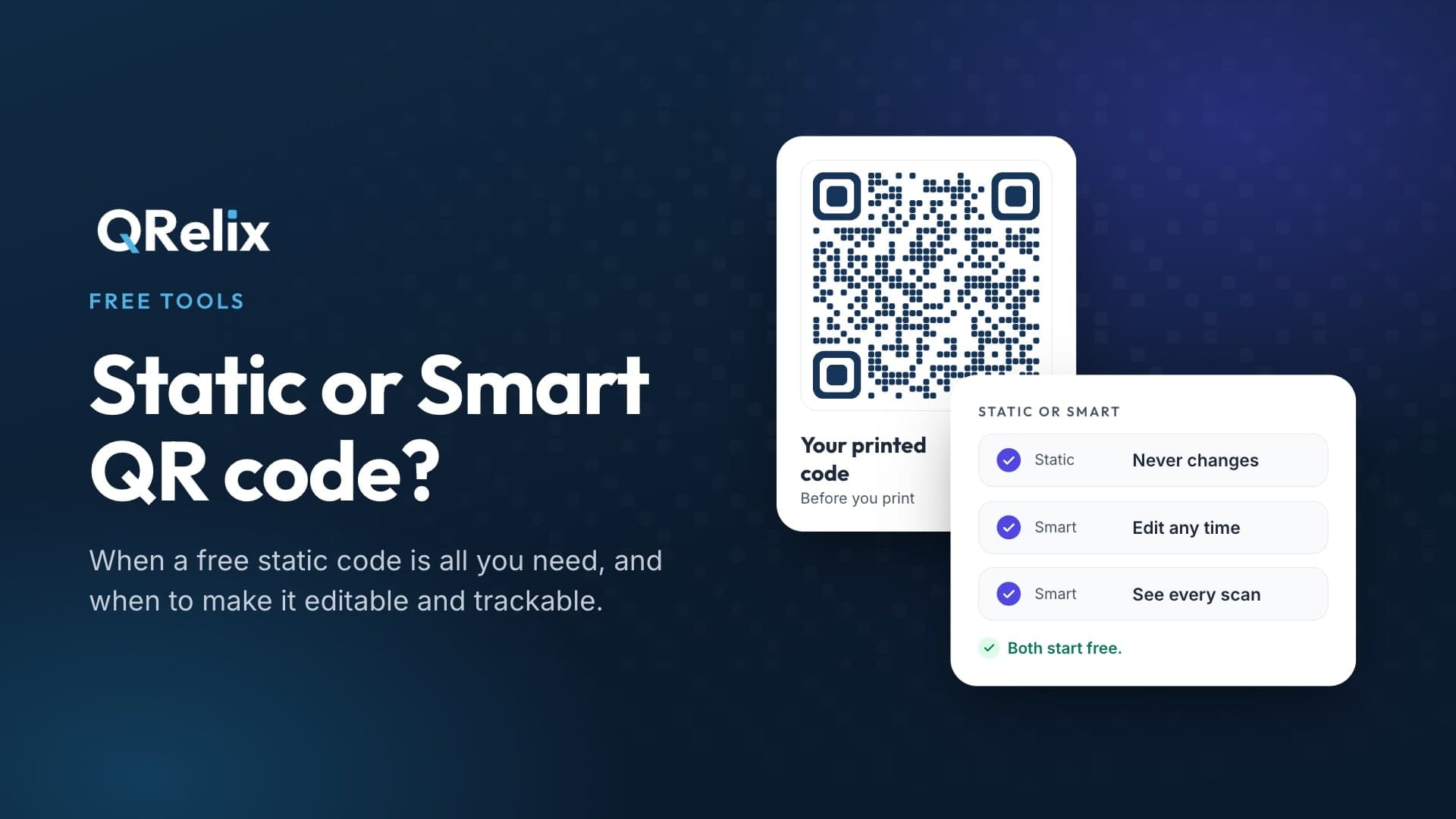
How to change the destination of a dynamic QR code after it has been printed, without making a new code. Works on every QRelix plan.
Video transcript
Select a time to play the video from that moment.
- Length
- 1:25
- Available on
- Every plan