

Bulk QR codes
Turn a spreadsheet into QR codes you can still change
Create up to 1,000 dynamic QR codes from one CSV. Track every scan, change any destination after printing, and send your printer one zip. Part of the QRelix Team Plan.
| name | destination |
|---|---|
| Store 014 window | yourbrand.com/store-014 |
| Store 015 window | yourbrand.com/store-015 |
| Store 016 window | yourbrand.com/store-016 |
One dynamic, trackable QR code per row, every image in one zip
Why bulk
Hundreds of printed codes, none of them stuck
Printing many codes makes a wrong link expensive. Dynamic codes let you fix it from one screen.
One spreadsheet, every code
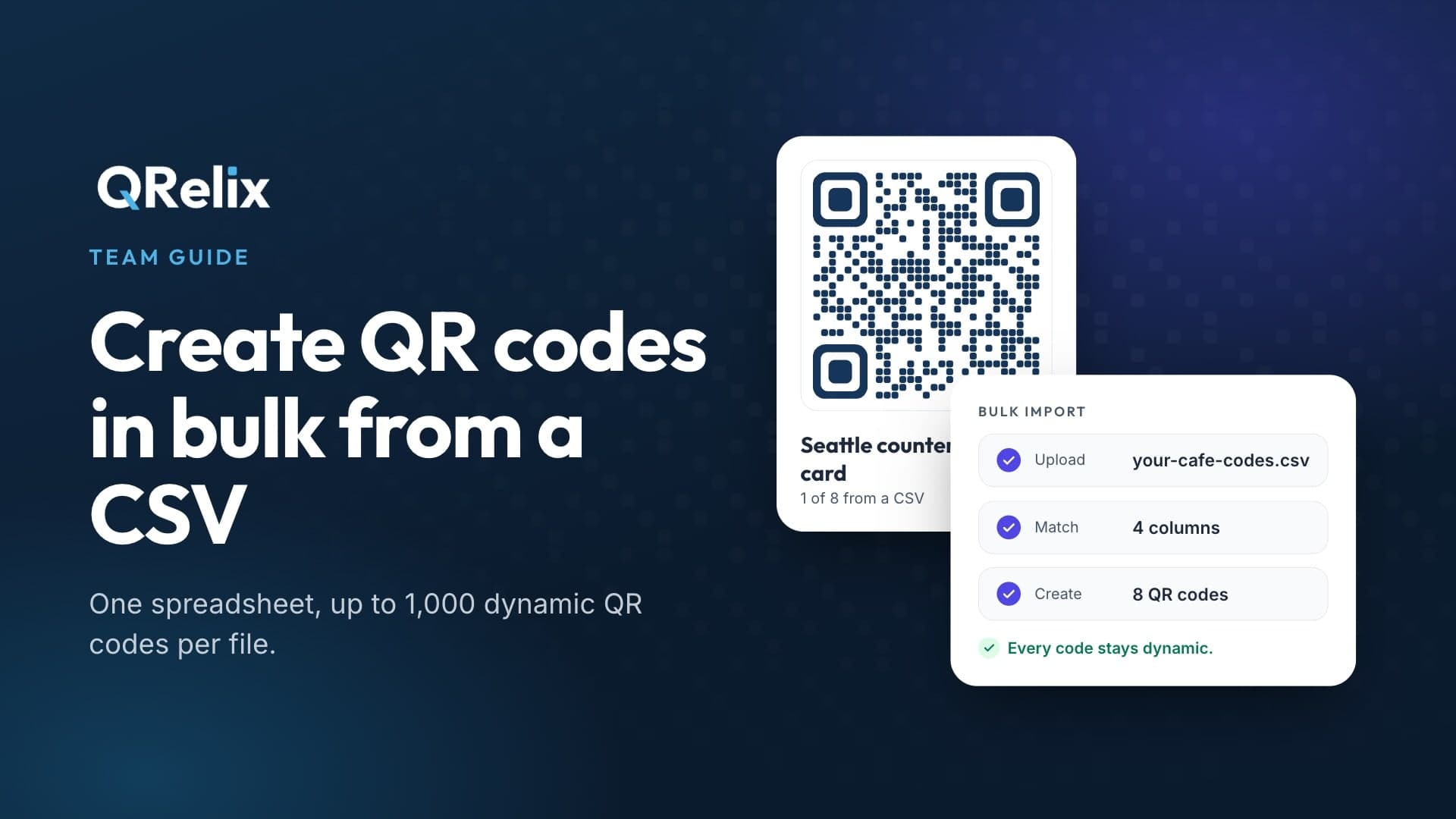
Upload a CSV from Excel, Google Sheets, or Numbers with one row per code, up to 1,000 rows per file. QRelix matches your columns for you.
Fix a mistake without a reprint
Every code is dynamic. Send up to 500 selected link codes to a new address in one edit, and the printed copies follow.
See which ones get scanned
Each code keeps its own scan analytics, so you can compare locations, mailers, products, or printers instead of guessing.
Ready for your printer
Download every code as SVG for print or PNG for screens in one zip, with a manifest CSV for labels and mail merges.
How it works
From spreadsheet to printer in three steps
- 1
Upload your spreadsheet
Drop in a CSV, or start from the template. Only a name is required, and QRelix guesses which column is which.
- 2
Check every row
See any problem by row and column before anything is created. Ready rows can go ahead while you fix the rest.
- 3
Create and download
QRelix creates the codes in the background. Copy one design onto all of them, then download every image in one zip.
Who it is for
Anywhere one code per thing beats one code for everything
- Locations: one code per store, room, table, or property, each with its own numbers
- Direct mail: one code per mailer version or region, so you can see which one worked
- Packaging: one code per product or SKU, with a link you can change after the print run
- Events: one code per badge, booth, or sponsor
- Equipment: asset tags and manuals, with a matching design on every label
- Agencies: separate brands with up to 10 Brand Kits in one workspace
Details
What a bulk import can do
- Up to 1,000 rows per CSV, and up to 3 imports or exports running at once
- Links, WiFi, contact cards, email, phone, SMS, text, maps, app stores, and social link types
- Set a password, an expiration date, or a scan limit per row
- Download up to 1,000 codes in one zip, kept for 7 days
- Failed rows download as a CSV with an error column, so you only fix what broke
- Owners, admins, and editors can import and edit; viewers can download
Included with the QRelix Team Plan
TeamQRelix Team Plan is $19 a month, or $190 a year, with 3 seats included. You also get a shared workspace with roles, up to 3 custom domains, up to 10 Brand Kits, the developer API, Zapier, and Make, and everything in Pro.
Video guides
See bulk creation, branding, and domains
FAQ
Bulk QR code questions
- How many QR codes can I create at once?
- Up to 1,000 per CSV file. For a longer list, split it across files. A workspace can have up to 3 imports or exports waiting or running at once.
- Are bulk QR codes dynamic?
- Yes. A code made from a spreadsheet works exactly like one made by hand: it tracks scans, and you can change where it goes after printing without changing the printed code.
- Can I make QR codes from Excel or Google Sheets?
- Yes. Save or download your sheet as a CSV, then upload it. QRelix matches your columns from their header names, and you can correct any match before creating the codes.
- Which plan includes the bulk QR code generator?
- Bulk creation, bulk edits, and zip downloads are part of the QRelix Team Plan. QRelix Team Plan is $19 a month, or $190 a year, with 3 seats included. The Free and Pro plans make codes one at a time.
- Can every code have my logo and colors?
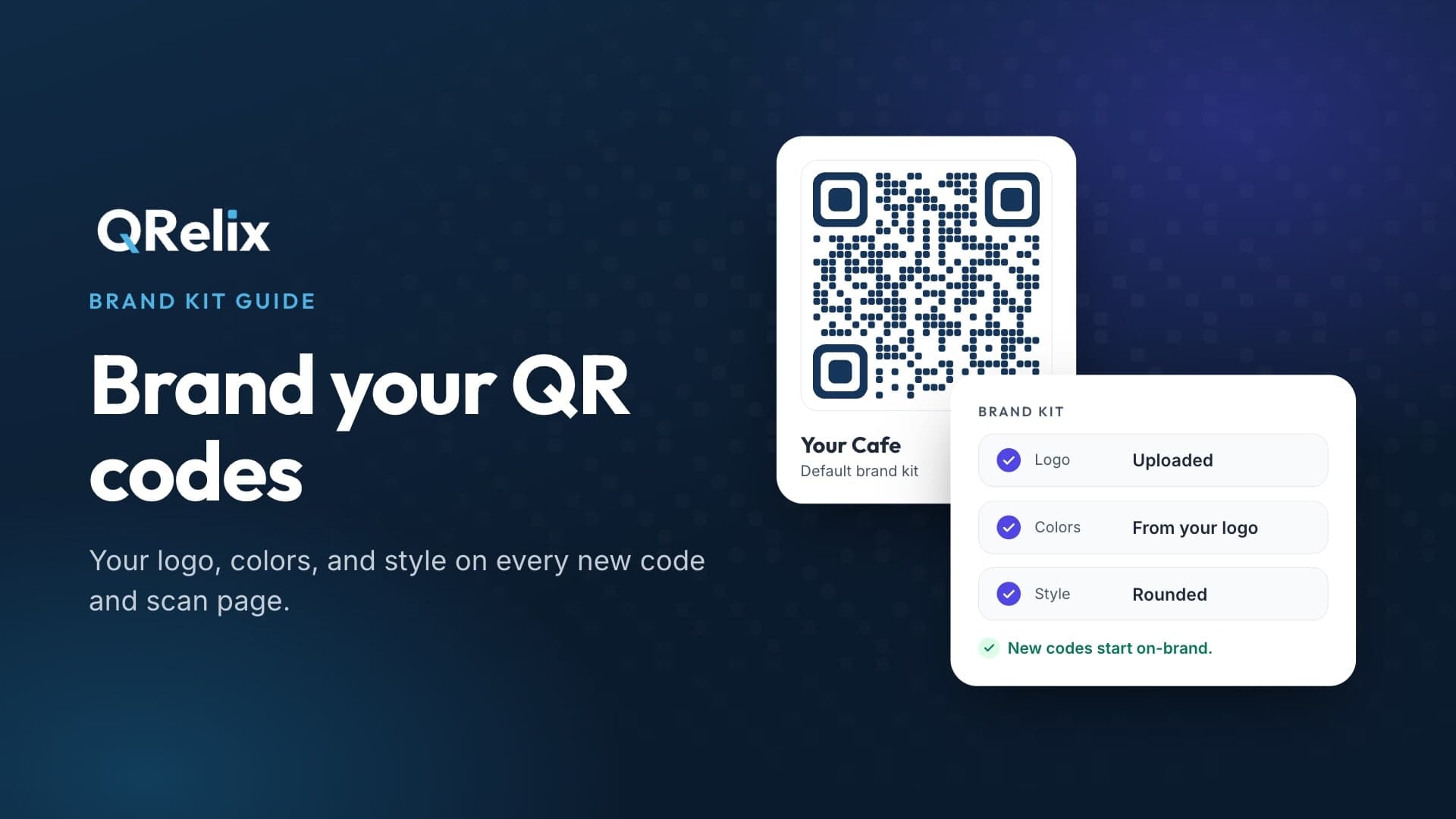
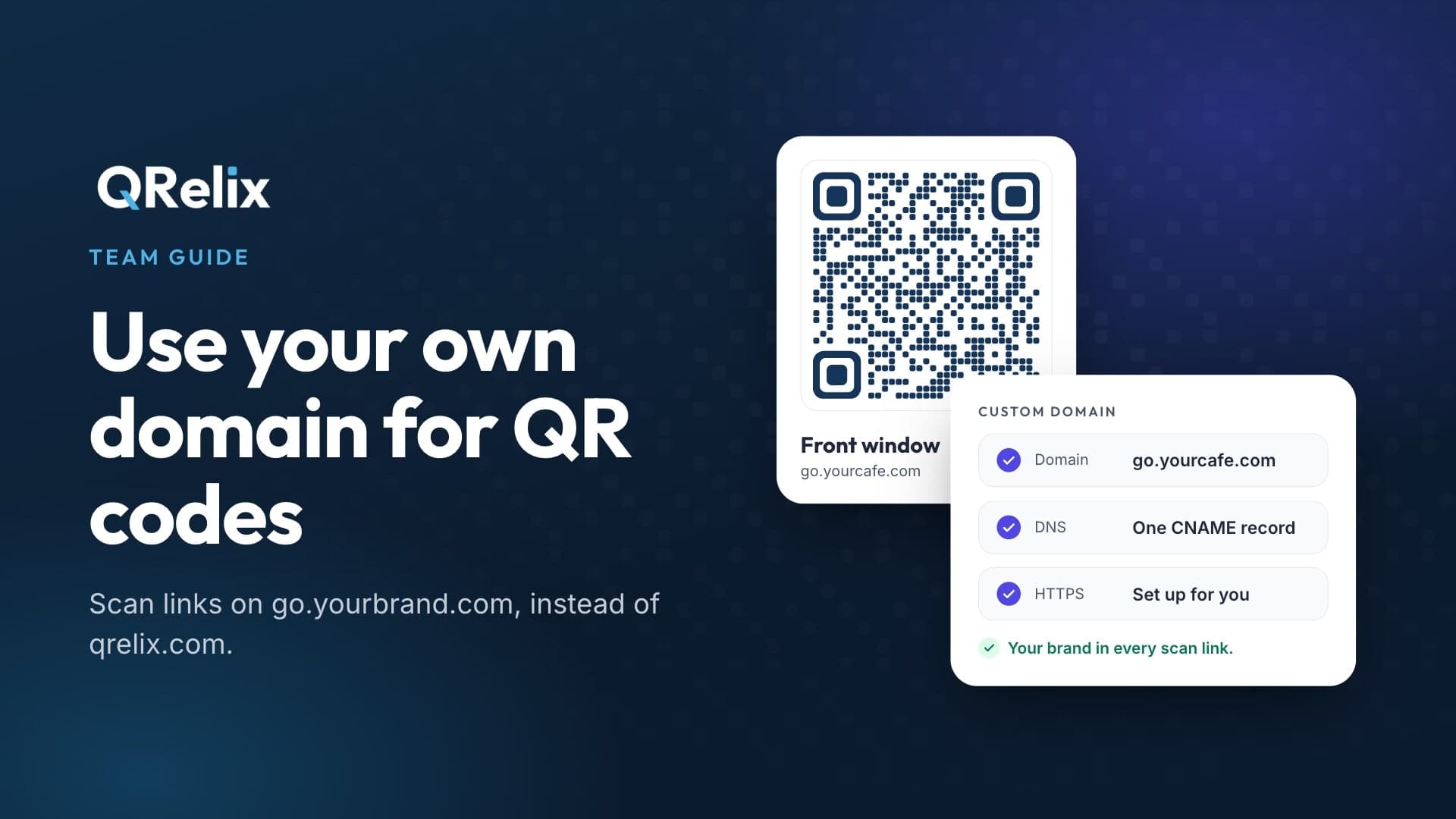
- Yes. Pick an existing code as the design and every new code gets its colors, dot and corner shapes, and logo. Add a custom domain and the scan links carry your domain too.
- What file formats do the downloads come in?
- SVG for print, PNG at 512, 1024, or 2048 pixels for screens, or both. The zip also includes a manifest CSV with each code's name, type, scan link, destination, and category.
- What happens to my printed codes if I cancel?
- Printed codes keep working. Your codes, designs, and analytics stay in your account, and you can upgrade again at any time.
More on custom domain QR codes, the QR code API, and every QRelix feature.
Make every code in your spreadsheet
Start with a free account and see how QRelix works, then upgrade to the QRelix Team Plan when you are ready to import.