

For local businesses
Make leaving a Google review one scan away
A review code for your counter, receipts, and tables. See how many customers scan it, compare your locations, and change it anytime without reprinting.
Why trackable
A printed code that keeps earning its spot
A plain code opens the form. A trackable one also tells you whether it is working.
See if anyone scans
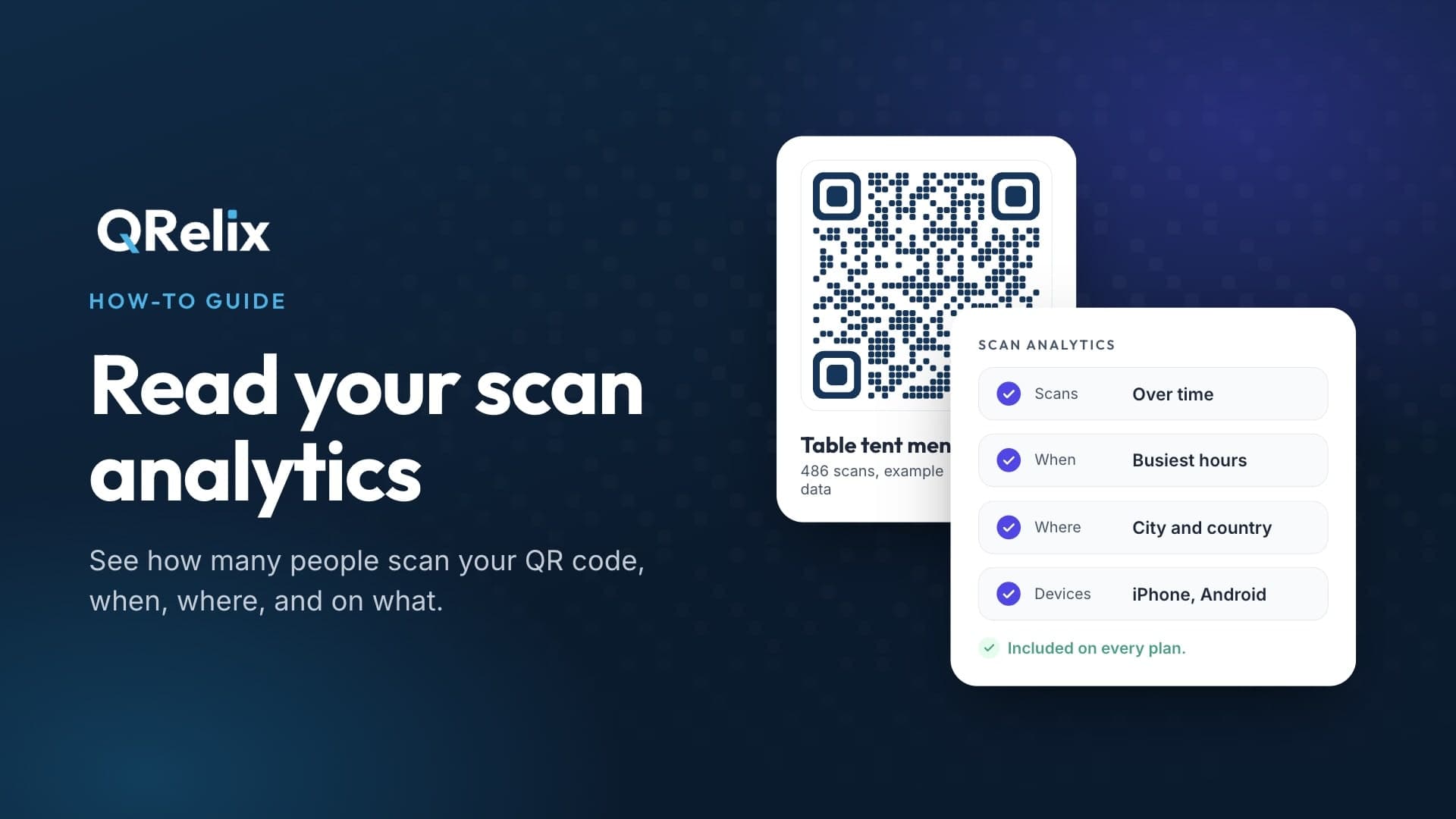
Count scans by day and time, so you know whether the sign on the counter does more than the card in the bag.
One code per location
Give each shop, table, or receipt its own code, and compare them in one dashboard.
Reuse what you printed
Change where a printed code goes anytime. A table card that opens your menu can ask for a review later, with no reprint.
Looks like your business
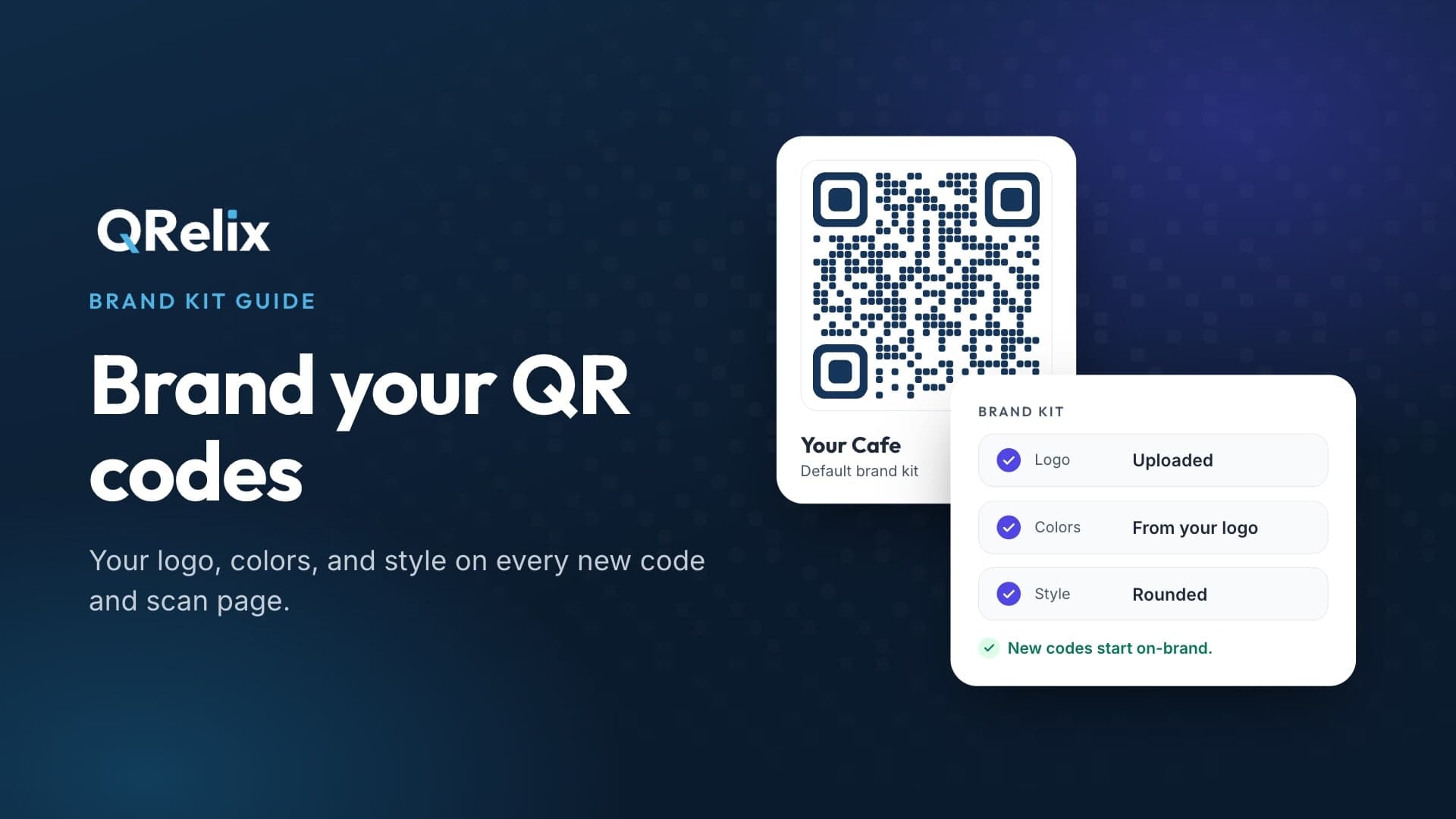
Add your logo and colors, and download print-ready files for signs, cards, and receipts.
How it works
Ready before your next customer
- 1
Copy your review link
In your Google Business Profile, choose Ask for reviews or Get more reviews and copy the link. A Place ID works too.
- 2
Make your code
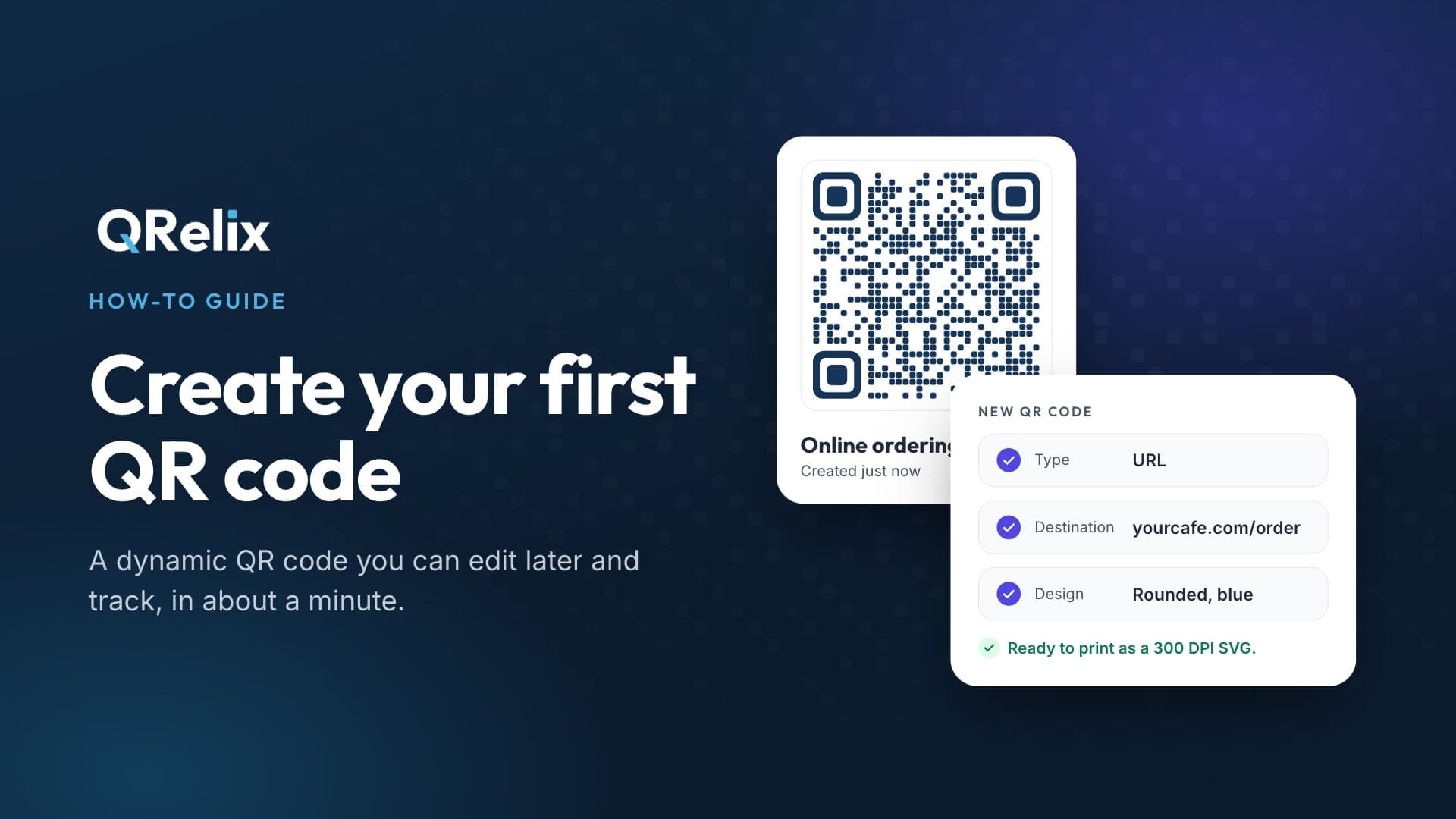
Choose Google Review, paste the link, and add your logo and colors. There is a Yelp Review option as well.
- 3
Print it where people wait
Counters, receipts, table cards, and thank-you notes all work. Test-scan with an iPhone and an Android before you print a batch.
Why Pro
What Pro adds for a local business
- Customers go straight to your review form, with no QRelix screen first
- Your Brand Kit: logo, colors, and QR style on every code
- Smart Routing: one page while you are open, another after hours
- Unlimited hosted pages for menus, PDFs, and business cards
- Scan history kept for as long as you have Pro, not 30 days
Start free, upgrade if it helps
ProThe Free plan makes trackable review codes with no credit card. Pro is $7.99 a month or $59.99 a year.
Video guides
Make your code, brand it, and read the scans
FAQ
Google review QR code questions
- What does a Google review QR code do?
- It opens the review form for your Google Business Profile when scanned, so customers skip searching for your listing and go straight to the star rating and comment box.
- Is it free?
- Yes. The Free plan makes trackable review codes with no credit card, and they never pause. Each free scan shows a short QRelix screen with a skip button. Pro removes that screen for $7.99 a month or $59.99 a year.
- Do I need an account?
- To track scans or change the code later, yes. If you only want a fixed code with no tracking, use our static Google review QR code generator, which needs no account.
- Can I track how many reviews I get from it?
- QRelix counts scans, including when and on what device. Google does not report which reviews came from a scan, so compare your scans with the new reviews on your profile.
- Does it work for Yelp?
- Yes. Choose Yelp Review when you make the code. It works the same way.
- What if I have several locations?
- Make one code per location with its own review link and see their scans side by side. With the QRelix Team Plan, you can create them all from one spreadsheet and share the workspace with your managers.
Only need a fixed code? Try the static Google review QR code generator. See also the QR code menu and QR codes by industry.