

QR codes for dental offices: scheduling and reviews
Put codes on recall postcards and waiting room signs that open scheduling, intake forms, and review requests, and see which get scanned.
Use cases
How dental offices use QR codes
Each of these is a dynamic QR code: the destination can change after printing, and every scan is counted.
Appointment Scheduling QR Codes
Place QR codes on postcards, recall mailers, and front-desk signage that link directly to your online booking page. Patients scan and schedule in seconds, no phone call needed.
Patient Intake Forms
Print QR codes on appointment confirmation emails or waiting-room signage. Patients scan to complete medical history and consent forms on their own device before they sit in the chair.
Post-Visit Review Requests
Hand patients a card with a QR code linking to your Google Reviews page. One scan, one tap, one more five-star review, and you can track which hygienists drive the most feedback.
Treatment Education Videos
Link QR codes to short videos explaining procedures like crowns, implants, or Invisalign. Place them on treatment-plan printouts so patients can review at home.
New Patient Welcome Packets
Replace bulky paper packets with a single QR code linking to a digital welcome page with office policies, insurance info, parking directions, and first-visit FAQs.
Referral Program QR Codes
Print QR codes on referral cards that track which patients send new business your way. Reward top referrers and measure ROI on every printed card.
In practice
A practice prints a scheduling code on recall postcards, an intake form code on the welcome packet, a review request code on the checkout card, and codes on treatment handouts for education videos. Codes are grouped by office and campaign in the dashboard. Scan counts show whether the postcards mailed last month were opened.
QR types
QR code types for dental offices
QRelix supports 18 QR code types. These are the ones dental offices use most.
- URL
- vCard
- Phone
- Maps
- WiFi
Every type comes with scan analytics, your colors and logo, and a destination you can edit after printing. See all features.
See every scan
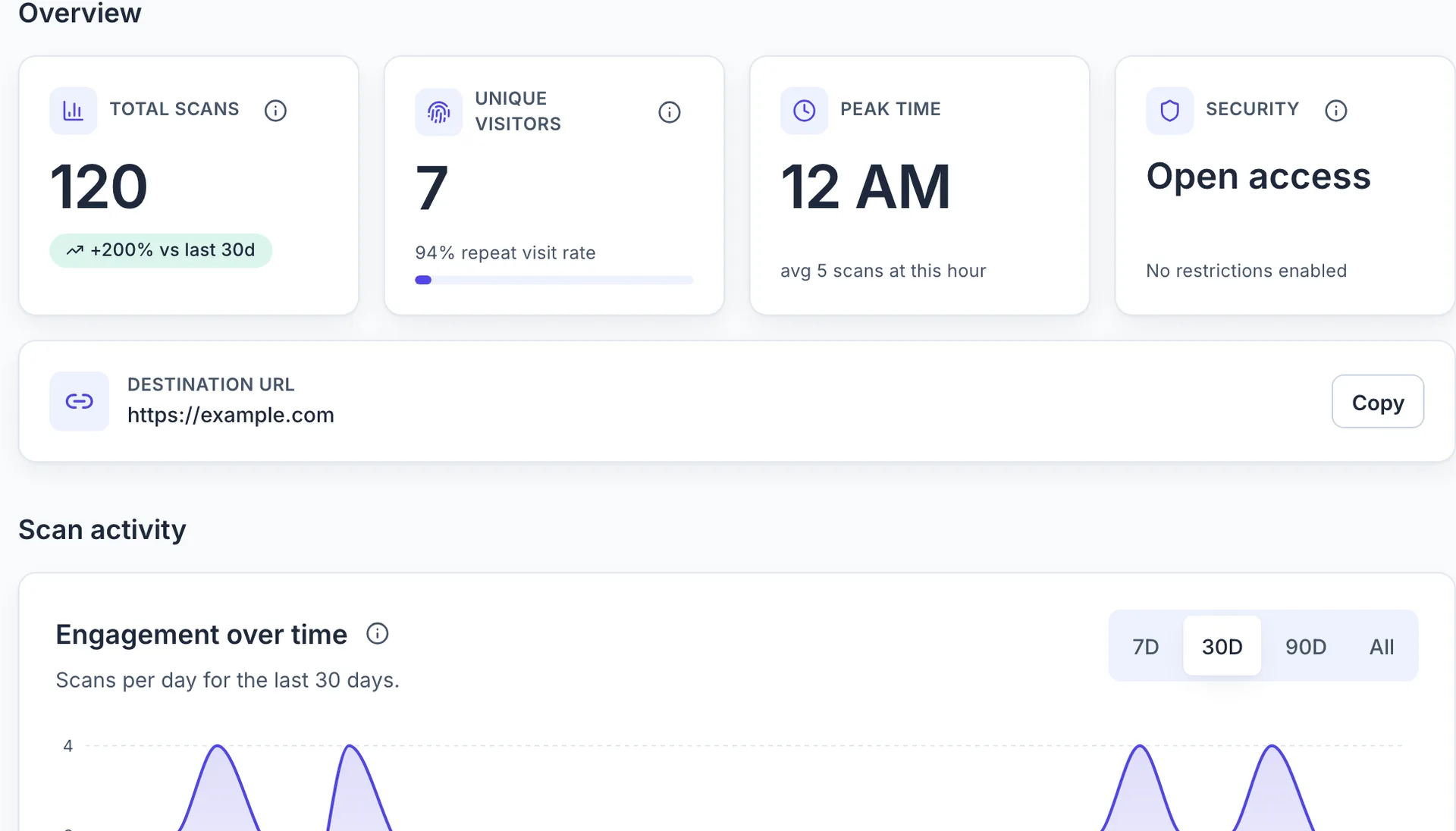
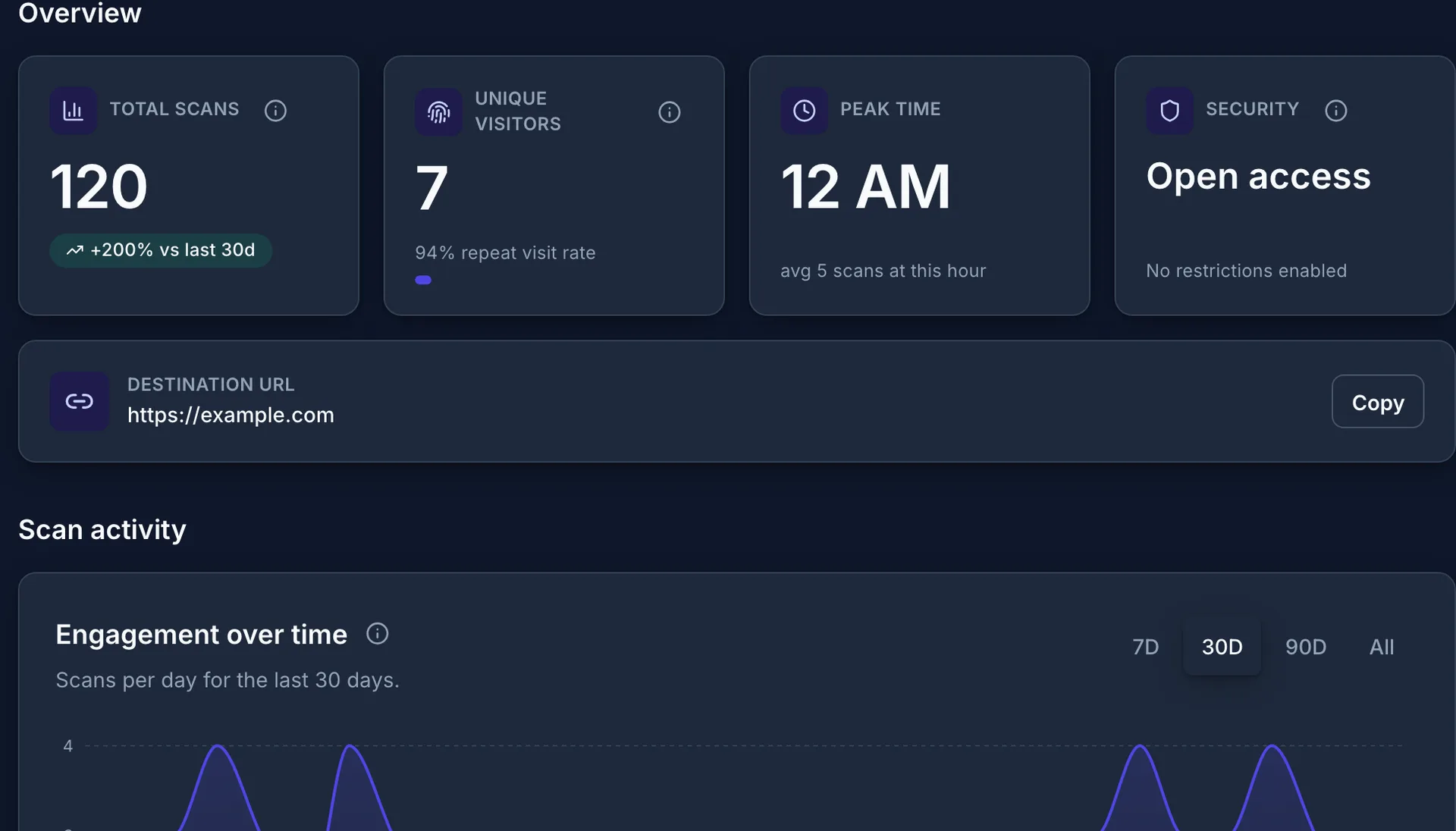
The dashboard records each scan with its time, device, and location, so you can compare placements and see when dental offices codes get used.
Setup
How to set up QR codes for your dental practice
Four steps from a blank dashboard to a printed, trackable code.
Step 1 of 4
Create a dynamic QR code for your booking or intake link
Go to /create-qr-code and pick the URL type for your online scheduling page, or the File type for a PDF intake packet. Because the code is dynamic, you can switch scheduling software or update the packet later without touching anything you have already printed.
Step 2 of 4
Add your practice colors and logo
Match the code to your practice branding with custom colors and your logo in the center. The live preview shows exactly what patients will see. Keep the contrast strong: dark modules on a light background scan more reliably than pale palettes on glossy card stock.
Step 3 of 4
Download print-ready files for cards and signage
Download the 300 DPI SVG or PNG. The SVG scales cleanly from a business-card-sized appointment reminder to a poster by the reception desk. Print it on recall postcards, statement inserts, and a counter sign at checkout, and test-scan each piece with an iPhone and an Android phone before the full run.
Step 4 of 4
Watch the scans come in from your dashboard
Open your dashboard to see scan counts, device types, and scan activity by hour for each code. If the checkout counter sign gets scans but the mailed postcards do not, you know where to spend your next print budget. Label codes by campaign so front desk staff can tell them apart.
FAQ
Questions about QR codes for dental offices
- How can a dental office use QR codes to reduce no-shows?
- Create a QR code that links to your online scheduling system and print it on recall postcards, appointment reminder texts, and front-desk signage. Patients can reschedule instantly instead of forgetting to call. QRelix analytics show which reminder placements drive the most re-bookings so you can double down on what works.
- Can I collect patient intake forms via QR code?
- Yes. Link a QRelix dynamic QR code to your digital intake form (Jotform, Google Forms, or your practice management portal). Place the QR code in confirmation emails or on a waiting-room poster. Patients fill out forms on their own device, reducing front-desk bottlenecks and paper waste.
- How do I get more Google Reviews with QR codes?
- Generate a QRelix QR code that links directly to your Google Reviews page. Print it on post-visit cards, receipts, or checkout-counter displays. Track total scans vs. reviews to measure conversion. Practices using QR-based review prompts typically see a 20 to 30 % increase in review volume.
- Are QR codes HIPAA compliant for a dental practice?
- A QR code itself stores only a link, not patient information, so the compliance question sits with the destination. Point codes at your existing HIPAA-compliant scheduling and intake systems and keep protected health information out of the URL. QRelix records scan metadata (time, device type, and location) not anything a patient types into the form the code opens.
- What size should a QR code be on an appointment card?
- About 0.8 inches (2 cm) square is a practical minimum for close-range scanning on a standard appointment card. QRelix exports print-ready SVG and PNG files, and the SVG stays sharp at any size, so the same code works on a card and on a waiting room poster. Leave white space around the code and test-scan a proof before printing a batch.
- Can each of our office locations have its own QR code?
- Yes. Create a separate dynamic code per location so scan counts, device data, and geography stay separate in your analytics, then compare locations side by side. The dashboard supports categories and code names, so you can group codes by office and by campaign: recall postcards for the downtown office in one view, the new suburban location in another. If an office moves, edit that code's destination instead of reprinting.
Resources
Dental Offices guides and free tools
Tutorials for the setups above, and browser-based generators for static codes.
Create QR codes for your dental offices
Free plan, no credit card, no account up front. Each free code works for its first 50 scans and shows a brief QRelix-branded screen; Pro removes the branding and the scan limit.
Create a free QR code