

QR codes for breweries and wineries: taproom menus and labels
Put codes on cans, coasters, and tap handles that open tasting notes, ordering, and events, and compare scans by SKU and taproom.
Use cases
How breweries & wineries use QR codes
Each of these is a dynamic QR code: the destination can change after printing, and every scan is counted.
Taproom & Tasting Room Ordering
Place QR codes on tables, coasters, and bar tops that link to your digital menu. Guests scan, browse, and order without waiting for staff.
Bottle & Can Label QR Codes
Add QR codes to packaging that link to tasting notes, food pairings, ingredient lists, and the story behind each batch. Update content seasonally without reprinting labels.
Virtual Brewery Tours
Link QR codes on packaging or in your tasting room to video tours of your brewing or winemaking process, giving customers an immersive brand experience from anywhere.
Event & Release Promotion
Print QR codes on posters, coasters, and social media linking to upcoming taproom events, new release announcements, or ticket purchase pages.
Customer Feedback & Ratings
Place QR codes at the bar or on receipts linking to your Untappd, Google Reviews, or feedback form. Track which locations and beers drive the most reviews.
Loyalty & Club Enrollment
Print QR codes on receipts, tap handles, or bottle necks that instantly enroll customers in your mug club, wine club, or loyalty program.
In practice
A brewery prints a code on each can label that opens tasting notes and food pairings, codes on coasters and tap handles for taproom ordering, and codes on event posters for releases and club sign-up. Packaging and taproom codes sit in separate categories so scans can be compared by SKU. Label codes are repointed when the recipe or the page changes.
QR types
QR code types for breweries & wineries
QRelix supports 39 QR code types. These are the ones breweries & wineries use most.
- URL
- WiFi
- Maps
Every type comes with scan analytics, your colors and logo, and a destination you can edit after printing. See all features.
See every scan
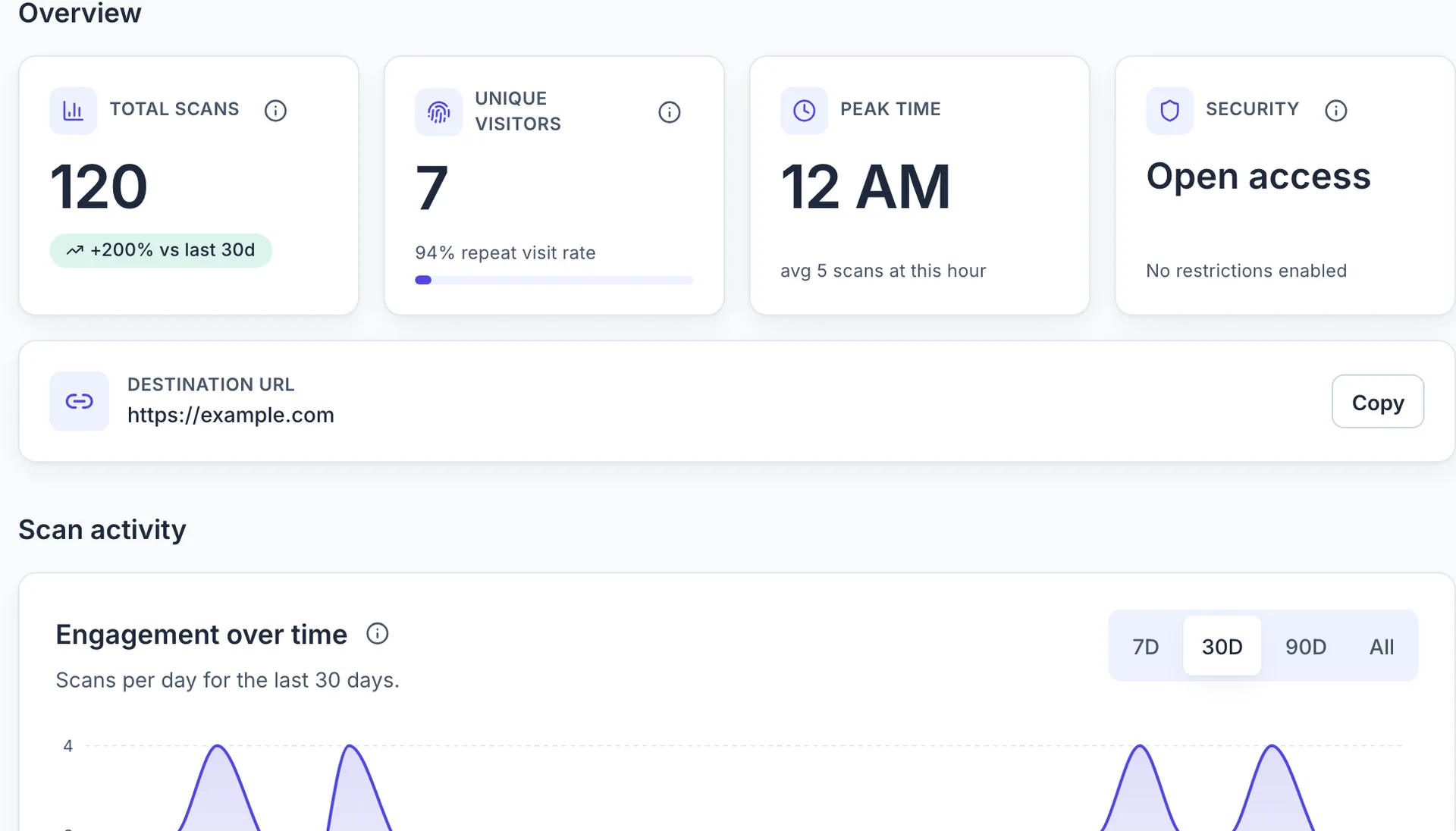
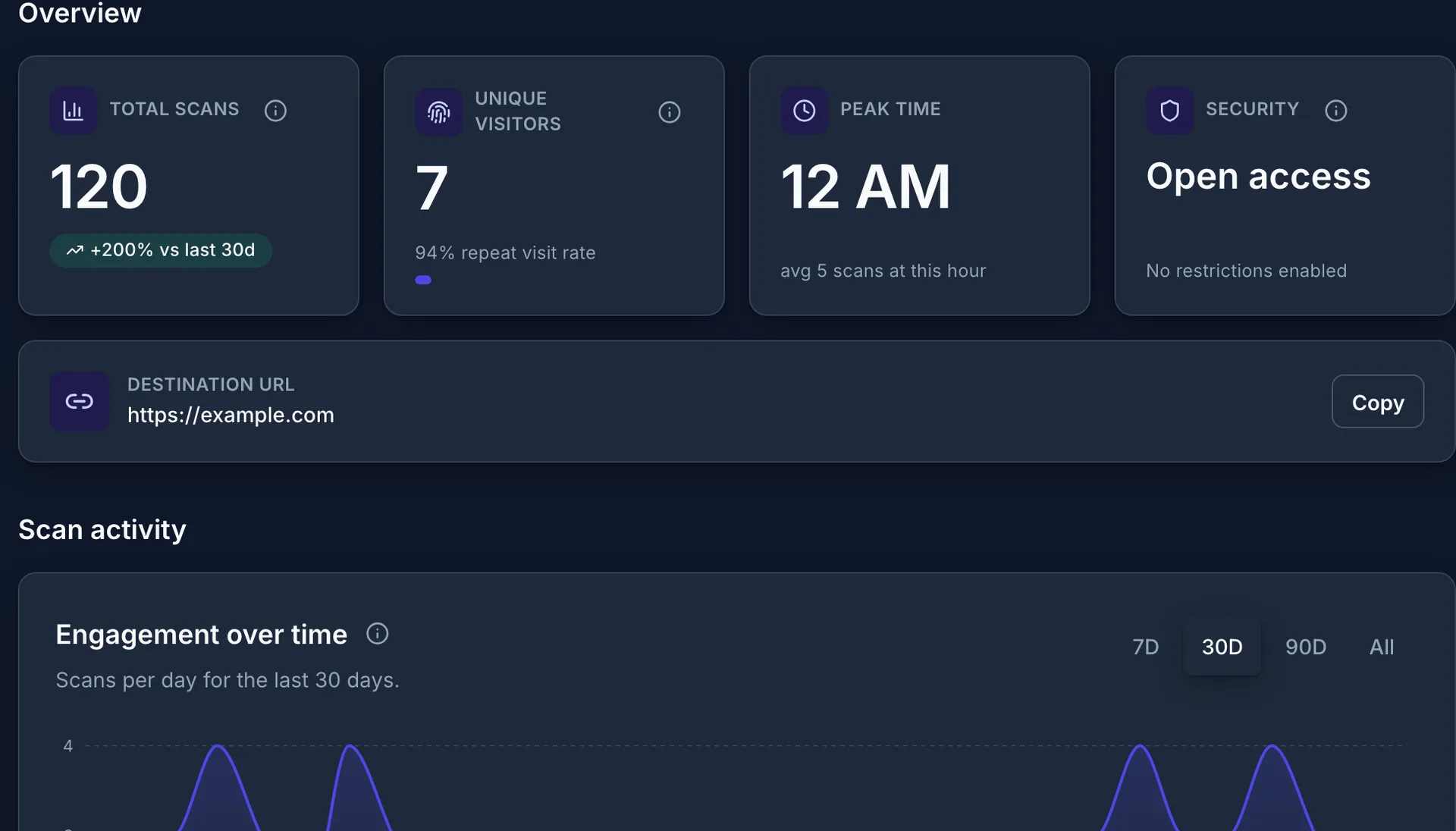
The dashboard records each scan with its time, device, and location, so you can compare placements and see when breweries & wineries codes get used. Make one with the free trackable QR code generator and counting starts with the first scan.
Setup
How to set up label and taproom QR codes for your brewery or winery
Four steps from a blank dashboard to a printed, trackable code.
Step 1 of 4
Create one dynamic code per label or tap
Start at /create-qr-code with the URL type pointing at each beer or wine's page: tasting notes, food pairings, where to buy. Give every SKU its own code so analytics stay separate. Because codes are dynamic, next vintage's information replaces this one without new label plates.
Step 2 of 4
Match the code to your label art
Use brand colors and drop your logo into the center of the code, with the live preview showing how it sits against the label design. Keep contrast high: a light code on a dark stout label needs a solid background block to scan reliably.
Step 3 of 4
Download 300 DPI SVG for the label printer
Export print-ready SVG for label runs and PNG for table tents, case cards, and shelf talkers. On cans, place the code on the flattest part of the label and keep it at least 2 cm square, then test-scan a filled, chilled can: condensation and curve are the real-world test.
Step 4 of 4
Read the heat map and hourly scans
In the dashboard, the geographic heat map shows which markets scan your labels, and the hour-by-hour chart shows taproom codes peaking during service. Group codes with categories (one for packaging, one for the taproom) and compare SKUs before you plan the next release.
Video guides
Video guides for breweries & wineries
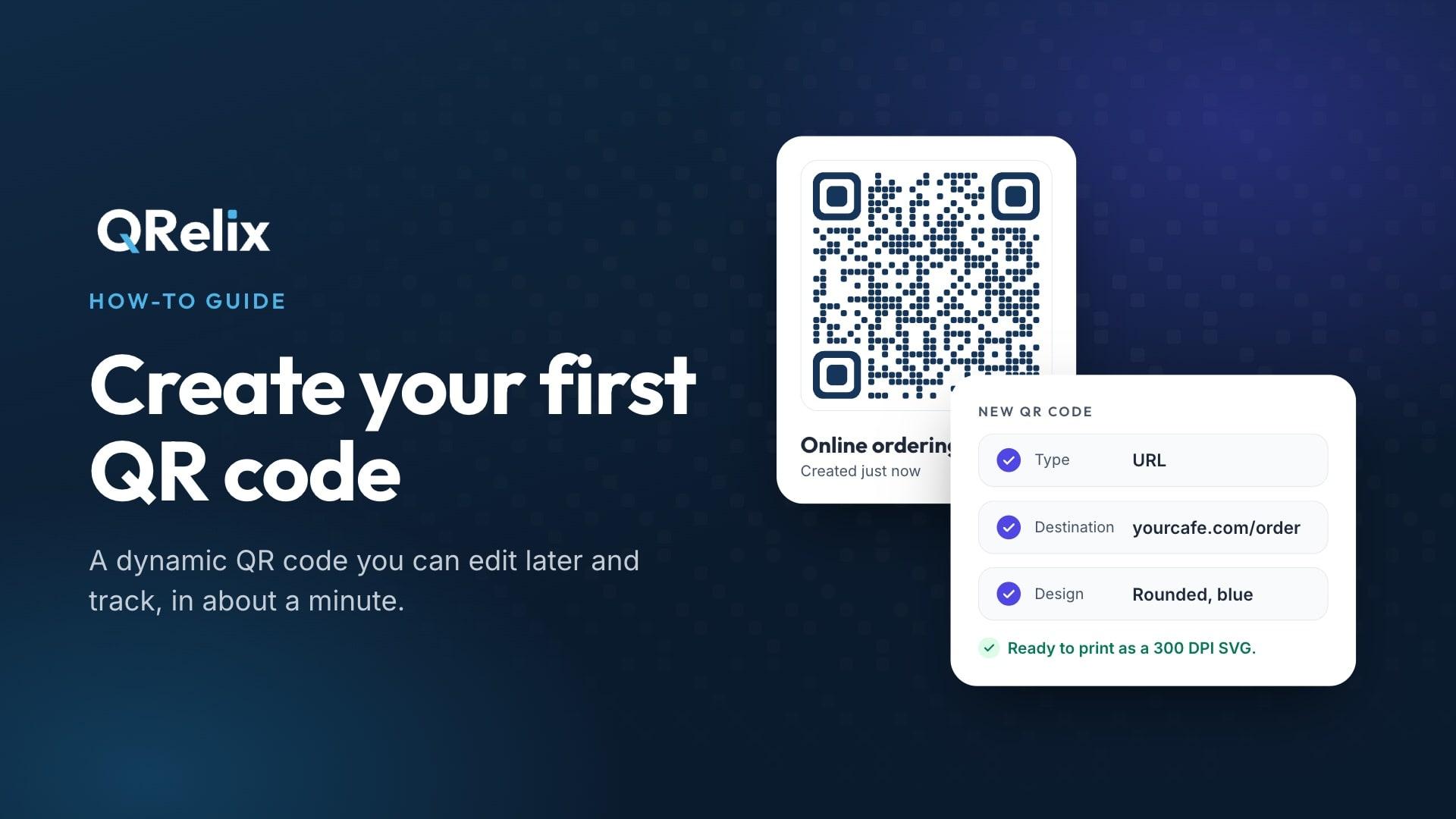
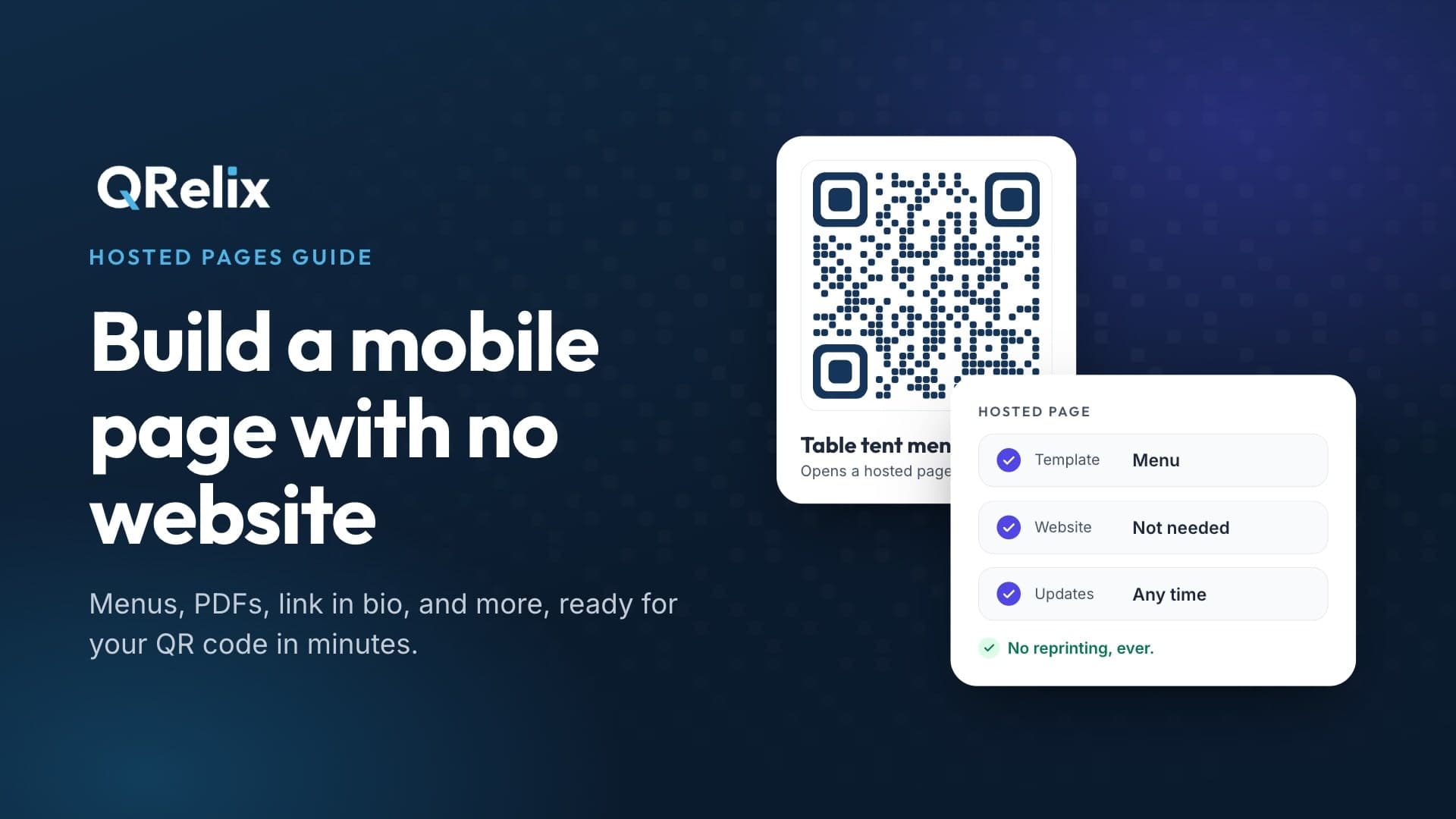
Each walkthrough takes about a minute.
FAQ
Questions about QR codes for breweries & wineries
- How do QR codes increase taproom revenue?
- QR codes on tables let guests browse your full menu and order at their own pace, no flagging down staff. Guests can reorder without waiting for a server, and the code is repointed when the menu changes.
- Can I update tasting notes without reprinting labels?
- Yes. QRelix dynamic QR codes let you change the linked content anytime. Print the QR code once on your label, then update tasting notes, food pairings, or batch details as often as you like without touching the physical label.
- How do I track which beers or wines get the most engagement?
- Create separate QRelix QR codes for each product, tap handle, or event. The analytics dashboard shows scan counts by code, date, device, and location so you can compare engagement across your lineup and optimize your offerings.
- Will a QR code scan on a curved can or bottle?
- Yes, if you size and place it carefully. Put the code on the flattest section of the label, keep it at least 2 cm square, and avoid wrapping it around the curve, which distorts the pattern. High contrast against the label art matters more than style. Print from the print-ready SVG so edges stay crisp, then test-scan a filled, chilled can: condensation is part of the test.
- Can I see which states or cities my bottles are scanned in?
- Yes. Dynamic codes record geography on every scan, shown as a heat map plus GPS-level location data with latitude, longitude, and accuracy. That turns distribution into something you can check: if a distributor placed you in a new market, scans from that region show whether shoppers are actually picking the bottle up. Each SKU's code reports separately, so you can compare how different releases travel.
- Do wine labels sold in the EU need a QR code for ingredients?
- Wine sold in the EU must carry ingredient and nutrition information, and the rules allow much of it to be provided electronically, which is why e-label QR codes are now standard on bottles headed there. A dynamic code fits this well: link it to a page or PDF with the required information and update it per vintage without changing the label. Confirm the specifics for your market with your compliance advisor.
Resources
Breweries & Wineries guides and static tools
Tutorials for the setups above, and browser-based generators for static codes.
- A QR code menu you can update in secondsPage
- Table Tent QR Code Template, free to printPage
- QR Code Product Label, free to printPage
- Yelp QR code generatorStatic tool
- Facebook QR code generatorStatic tool
- How to make a QR code menu, step by stepArticle
- QR Codes for Retail: How to Drive In-Store Sales and Track Every Customer TouchpointPage
- QR Code Location Tracking: How to See Where Every Scan Happens (Free in 2026)Article
- Social Media QR Code: How to Get More Followers From the Real WorldArticle
- QR Codes for Event Marketing: How to Drive Registrations, Streamline Check-Ins, and Measure ROIArticle
- WiFi QR Code GeneratorStatic tool
- Location QR Code GeneratorStatic tool
- Instagram QR Code GeneratorStatic tool
Create QR codes for your breweries & wineries
Free plan, no credit card, no account up front. Free codes never pause and show a brief QRelix-branded screen on each scan; Pro removes the screen and the branding.
Make a trackable QR code