

QR codes for nonprofits: donations and volunteers
Put one code on every appeal letter, banner, and program that opens your donation page or sign-up form, and see which pieces get scanned.
Use cases
How nonprofits use QR codes
Each of these is a dynamic QR code: the destination can change after printing, and every scan is counted.
Instant Donation Links
Print QR codes on mailers, event banners, and social media that link directly to your donation page. One scan, one tap, one gift.
Volunteer Sign-Up
Place QR codes at events, community boards, and partner locations linking to your volunteer registration form. Capture interest on the spot.
Fundraiser Event Registration
Add QR codes to invitations, posters, and email campaigns linking to event RSVP and ticket purchase pages.
Impact Report & Transparency
Link QR codes on annual reports, donor walls, and thank-you cards to interactive impact dashboards showing how donations are used.
Awareness Campaign Materials
Post QR codes on campaign posters, merchandise, and social media linking to educational content, petitions, or call-to-action pages.
Sponsor & Partner Recognition
Add QR codes to event signage that link to sponsor profiles, partnership info, or co-branded landing pages.
In practice
A nonprofit prints a different code on each appeal letter, gala program, and event banner, all pointed at the donation or sign-up page. Scan counts per code show which piece reached supporters, and the mailer's code is repointed to the next campaign when the drive ends. Volunteer forms and impact reports get their own codes on flyers and the annual report.
QR types
QR code types for nonprofits
QRelix supports 39 QR code types. These are the ones nonprofits use most.
- URL
- YouTube
- Phone
Every type comes with scan analytics, your colors and logo, and a destination you can edit after printing. See all features.
See every scan
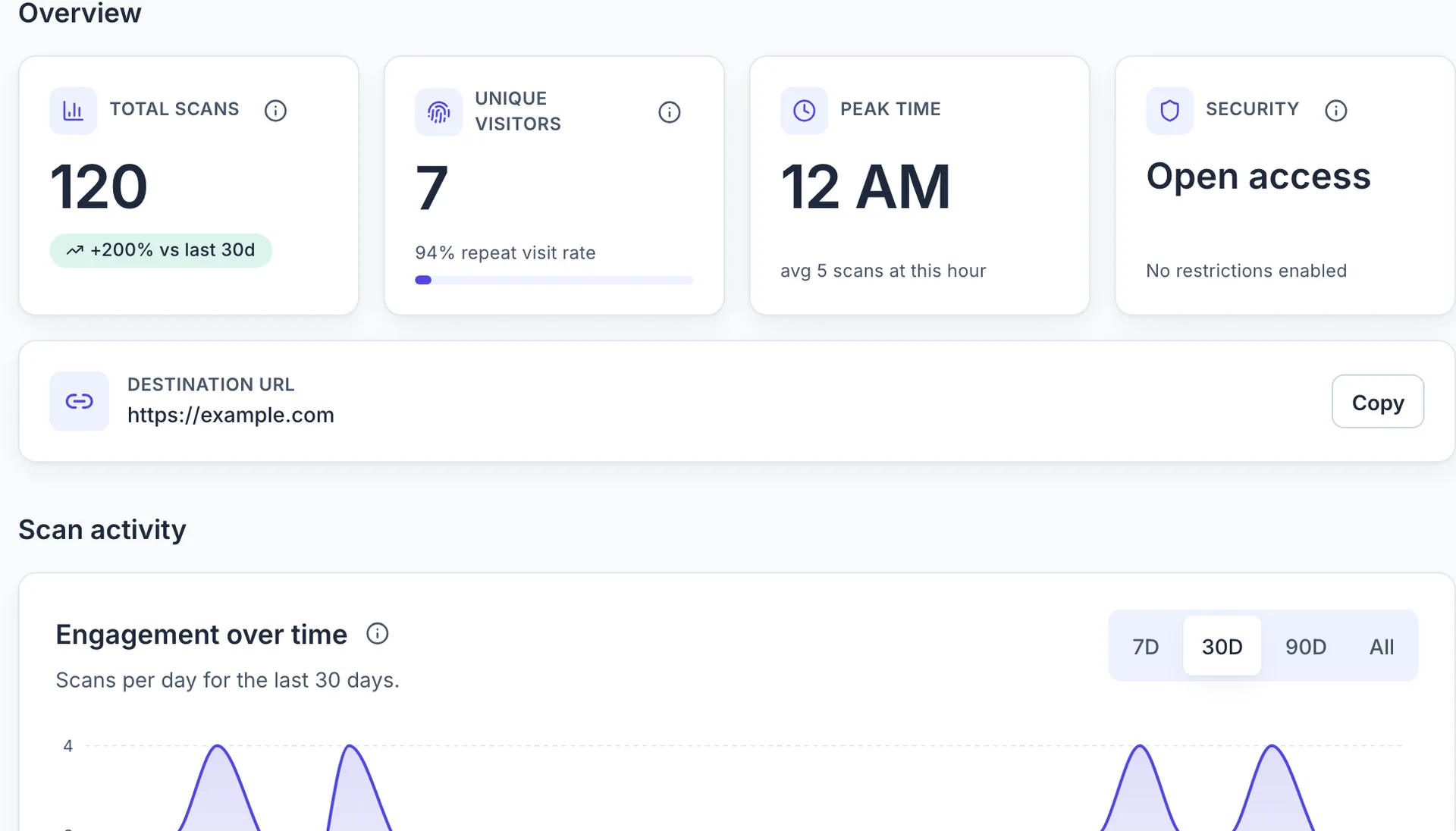
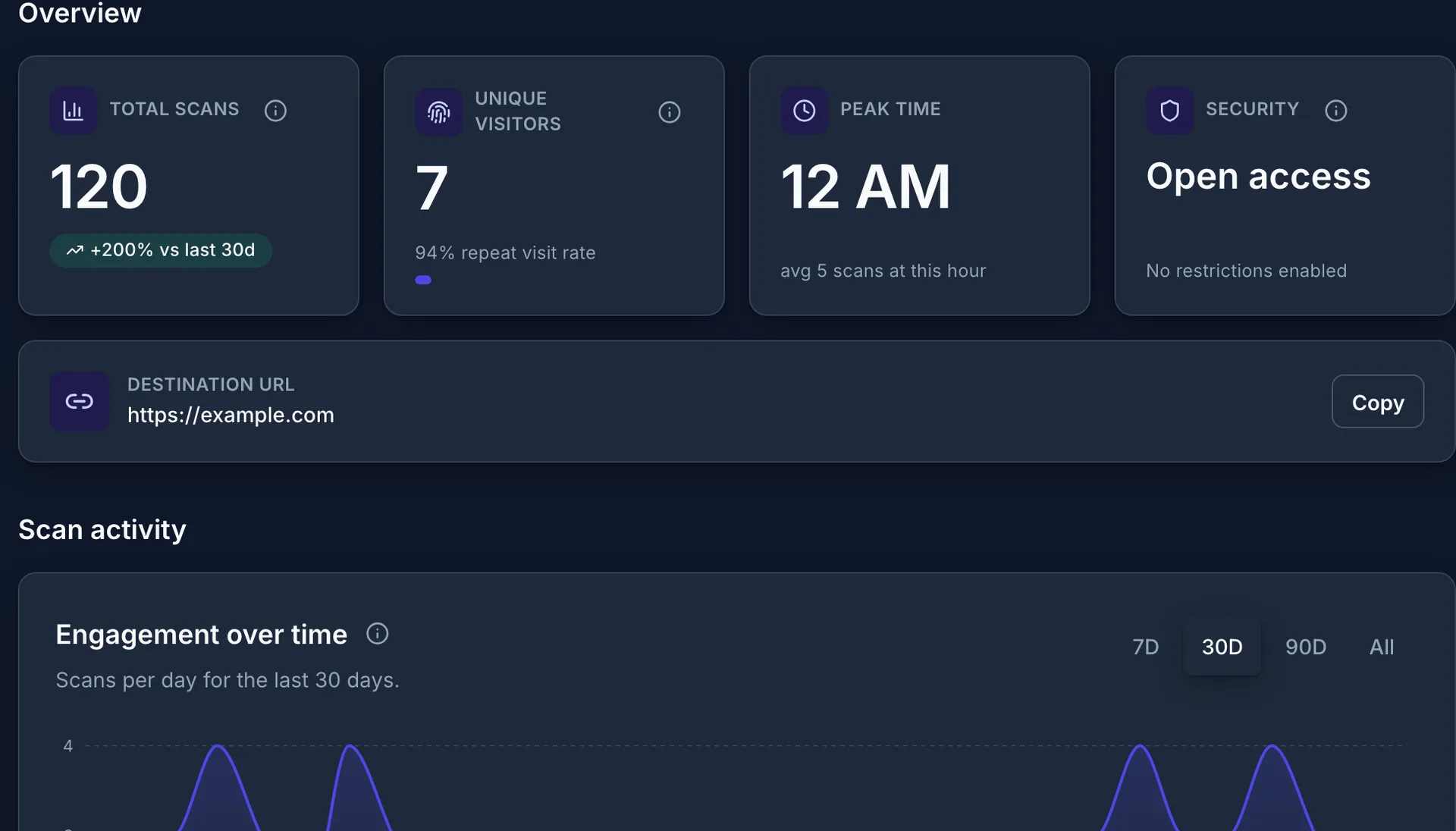
The dashboard records each scan with its time, device, and location, so you can compare placements and see when nonprofits codes get used. Make one with the free trackable QR code generator and counting starts with the first scan.
Setup
How to set up QR codes for your nonprofit
Four steps from a blank dashboard to a printed, trackable code.
Step 1 of 4
Create a dynamic code for your campaign page
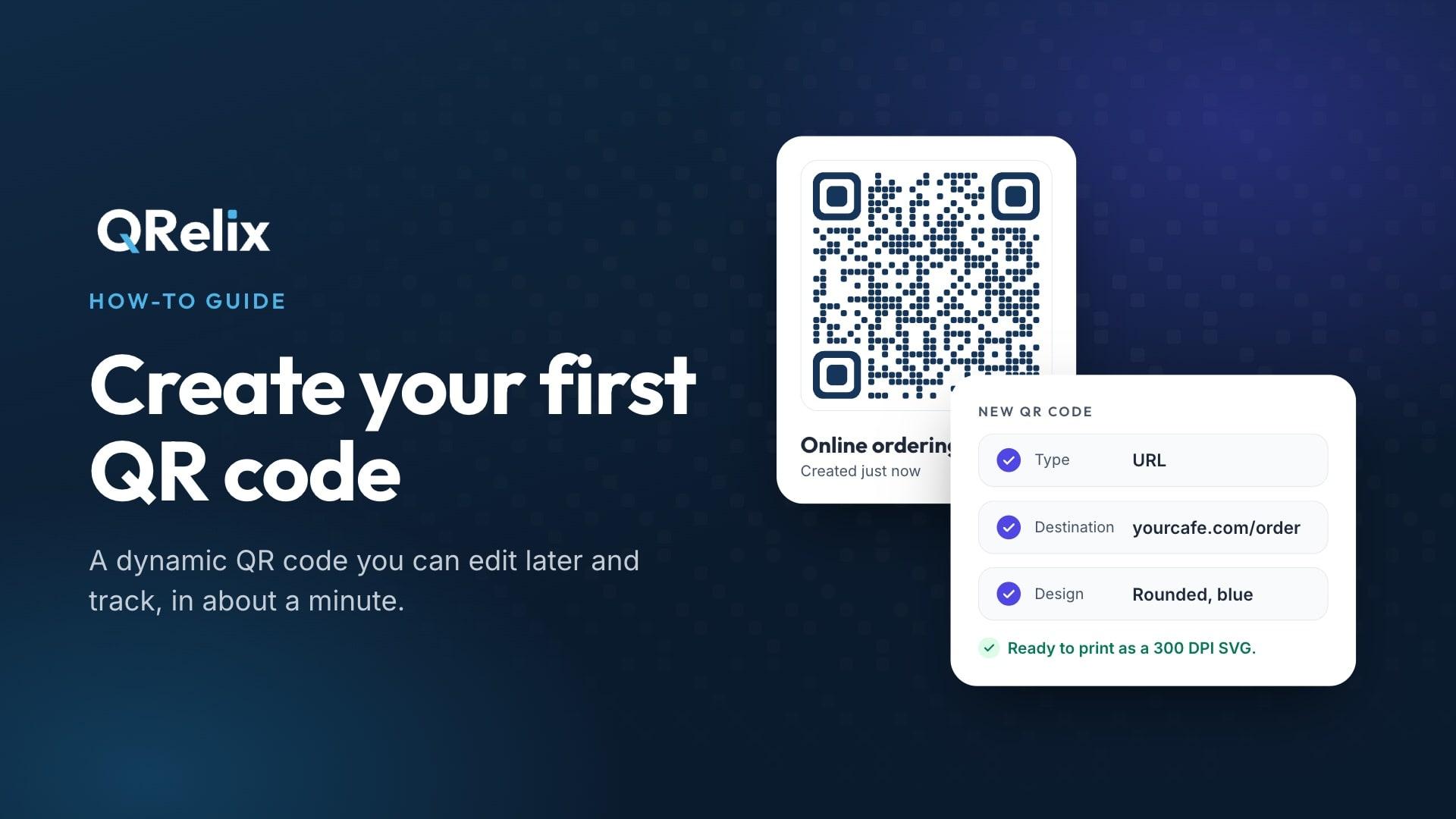
Go to /create-qr-code and choose the URL type, then paste your donation or campaign page link. Make a separate code for each printed piece (one for the mailer, one for the event banner) so you can tell them apart in analytics later. Dynamic codes can be repointed each campaign season.
Step 2 of 4
Add your organization's colors and logo
Style the code with your brand colors and place your logo in the center using the live preview. Donors are rightly cautious about scanning anonymous codes that ask for money; a code that visibly belongs to your organization removes that hesitation before it starts.
Step 3 of 4
Download print files for mailers, banners, and programs
Download the 300 DPI PNG for letters and event programs, or the SVG when a print shop needs a scalable file for banners and signage. Keep the code at least 2 x 2 inches on paper, larger on anything read from a distance, and leave white space around it.
Step 4 of 4
Review scans in the dashboard after each campaign
Check scan counts, device mix, and geography in your dashboard as responses come in. When a campaign ends, edit the code's destination to the next appeal instead of reprinting materials. Use categories and code names to keep codes grouped by program, chapter, or event so nothing gets lost.
Video guides
Video guides for nonprofits
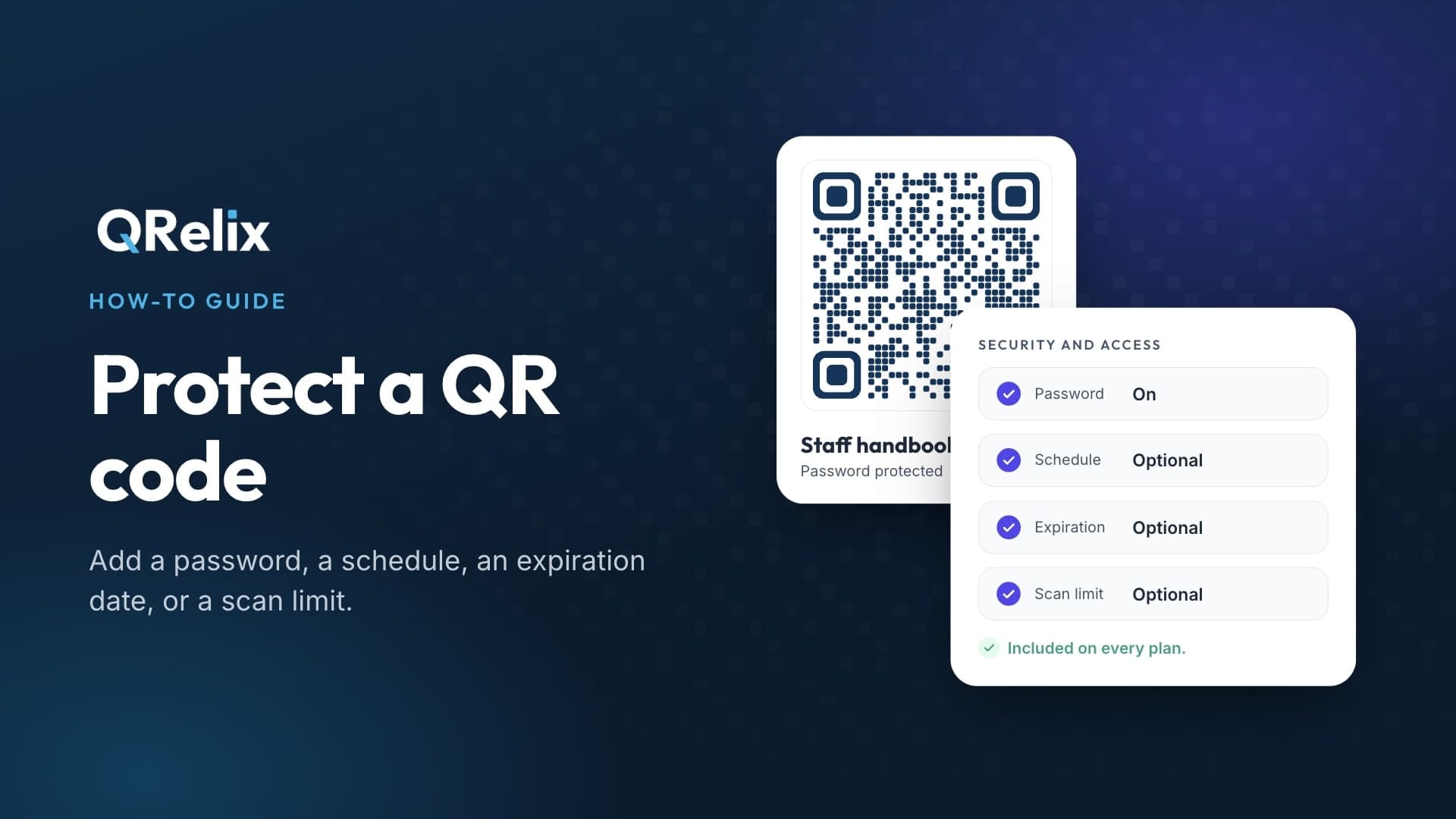
Each walkthrough takes about a minute.
FAQ
Questions about QR codes for nonprofits
- How do QR codes help nonprofits raise more donations?
- QR codes remove friction between intent and action. A supporter sees your poster, scans the code, and lands directly on your donation page in seconds. QRelix analytics show which placements (events, mailers, social media) drive the most donations.
- Are QR codes cost-effective for nonprofits?
- Extremely. QRelix is free with no credit card. Pro is $7.99 per month if you want to remove the QRelix-branded redirect that appears on free scans and make unlimited codes. One QR code can replace thousands of printed flyers, and dynamic codes mean you never reprint when your campaign URL changes.
- Can I track which fundraising channels perform best?
- Create separate QR codes for each channel (gala table cards, direct mail, social posts). QRelix analytics show scan volume, timing, and geography, so you know exactly where your supporters are engaging.
- Can we change where a QR code points after appeal letters are mailed?
- Yes, that is the point of a dynamic QR code. The printed code stays the same while you edit its destination from the dashboard, so letters already sitting in donors' homes can lead to your year-end campaign today and your spring drive in March. Nothing gets reprinted or re-mailed. Static codes, including those from free browser generators, cannot be changed after printing.
- Will donors who are less comfortable with technology be able to scan?
- Modern iPhone and Android cameras scan QR codes natively: donors just point the camera, no app required. To make it easier, print the code large with white space around it, add a short line like 'Point your phone camera here to give,' and include your regular web address as a fallback for anyone who prefers to type it.
- Can scan data help with grant reporting?
- Yes. The dashboard records scan counts, scan trends over time, device types, and scan geography for every dynamic code, which gives you concrete outreach numbers to cite when a funder asks how a campaign performed. Assign one code per funded program, and its scan history becomes a simple record of engagement for that grant period. Categories and labels keep each program's codes separated.
Resources
Nonprofits guides and static tools
Tutorials for the setups above, and browser-based generators for static codes.
- Donation QR Code Sign, free to printPage
- PayPal QR code generatorStatic tool
- Facebook QR code generatorStatic tool
- Messenger QR code generatorStatic tool
- Reddit QR code generatorStatic tool
- QR Codes for Event Marketing: How to Drive Registrations, Streamline Check-Ins, and Measure ROIArticle
- Social Media QR Code: How to Get More Followers From the Real WorldArticle
- QR Codes for Churches: How to Drive Giving, Engagement & Attendance in 2026Page
- Email QR Code GeneratorStatic tool
- Event QR Code GeneratorStatic tool
- Instagram QR Code GeneratorStatic tool
Create QR codes for your nonprofits
Free plan, no credit card, no account up front. Free codes never pause and show a brief QRelix-branded screen on each scan; Pro removes the screen and the branding.
Make a trackable QR code